
AI Animation for Explainers: Motion Graphics From One Prompt
I made AI motion graphics explainers with Gemini Omni 1.2 Flash: a UPI flow, a claymation science video and a paper map. Prompts, costs, code.

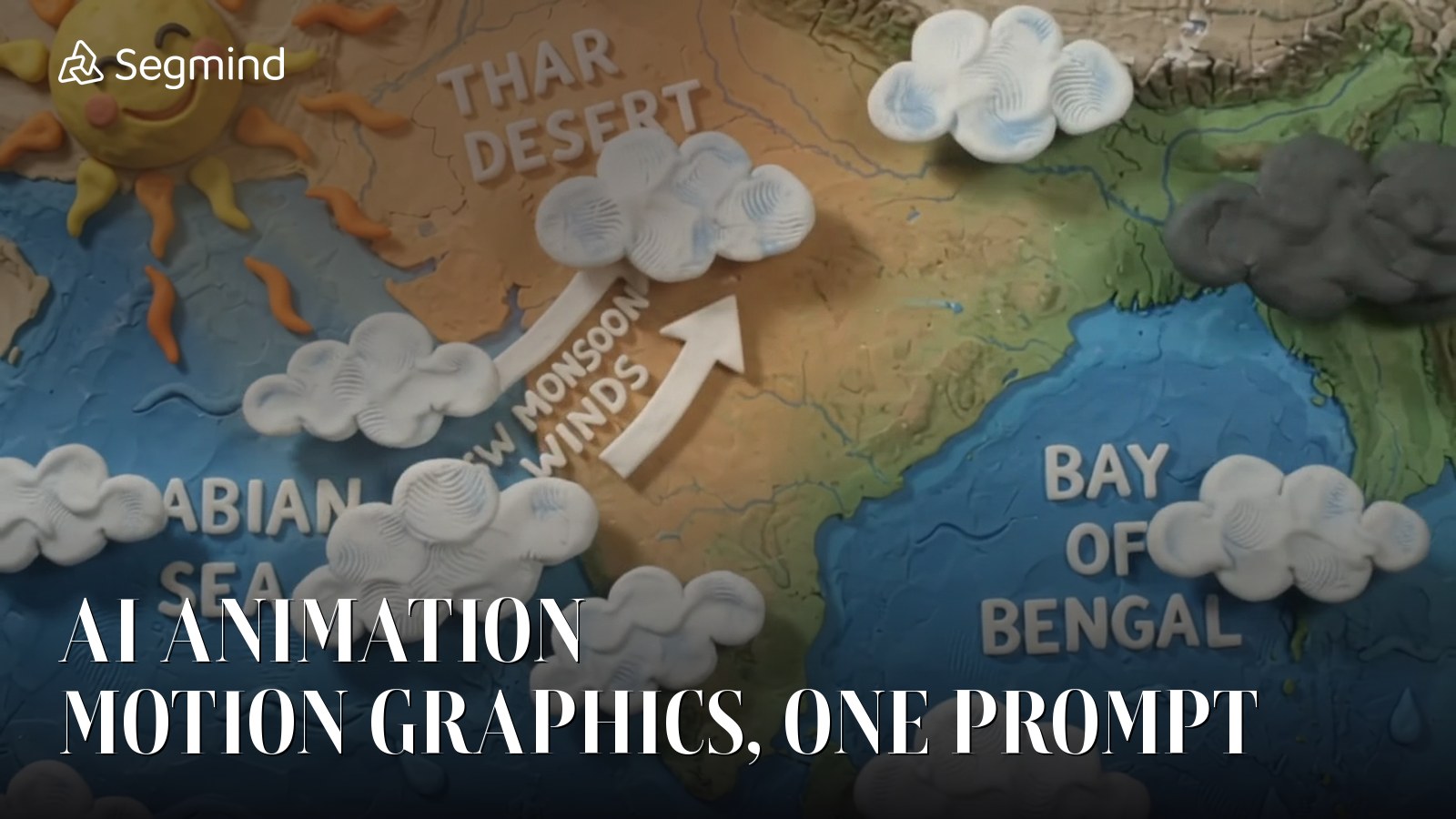
Motion graphics is one of the most searched creative skills right now, and "AI animation" is searched even more. Most AI animation tools still fall apart the moment you need exact words on screen and steps in the right order. That is exactly what an explainer needs.
So when Google's Gemini Omni 1.2 Flash came to Segmind, explainers were the first thing I tested. I ran a fintech flow diagram, a claymation science explainer and a paper-collage travel map, all from text prompts. Here is every prompt, output and cost, plus the rules that made them work.
- Full review: Gemini Omni 1.2 Flash tested
- AI animation and motion graphics explainers (you are here)
- AI chart animation for data videos (coming 10 Nov)
- Hindi AI video: Diwali greetings and translation (coming 6 Nov)
- AI video editing on real UGC footage (coming 7 Nov)
- AI product videos from one packshot (coming 8 Nov)
1. A flow-diagram explainer from one prompt
Fintech, SaaS and edtech teams spend real money on this kind of motion graphic: labelled boxes, a token moving through a process, a tick per step and a narrator. I asked for a UPI payment explainer.
ParametersAPI: text-to-video | aspect_ratio: 16:9 | resolution: 720p | duration: 10 | seed: 7802 | cost: $0.74 | time: 45 s
Gemini Omni 1.2 Flash AI animation: UPI payment flow explainer with exact labels.
This was my best result across all 20 tests. Every label, the ₹500 token and the banner came out exactly as written, and the ticks landed in order. It reads like a hand-built motion graphic. The only miss: the ₹500 tag stays on the first box after the token moves on. For 74 cents and 45 seconds, I would ship it.
2. A claymation science explainer
Next I combined world knowledge with a strong medium: how the Indian monsoon works, in claymation, with map labels and narration.
ParametersAPI: text-to-video | aspect_ratio: 16:9 | resolution: 720p | duration: 12 | seed: 7701 | cost: $0.89 | time: 66 s
Gemini Omni 1.2 Flash claymation explainer: labels spelled and placed correctly on an accurate map.
All labels were spelled and placed correctly on an accurate map, the clay look stayed consistent, and the beats came in order. Two misses: the rain fell over north India instead of Kerala, and the push-in was skipped. I later localised this exact clip into Hindi in one call, which I cover in Hindi AI video.
3. A paper-collage map, and where it loses count
Stylised maps are great for travel, logistics and history channels. I asked for four tagged stops down India's west coast.
ParametersAPI: text-to-video | aspect_ratio: 16:9 | resolution: 720p | duration: 10 | seed: 7804 | cost: $0.74 | time: 47 s
Paper-collage map: lovely craft look, but three tags appear twice.
The paper-craft look is beautiful, the car drives south along the coast, and the final banner is spelled right. But Mumbai, Alibaug and Goa tags appear twice, and the beach icon lands at Ratnagiri. Omni loses count past about three tagged items. If you need more stops, split the map into two clips or supply a finished last frame.
My rules for AI motion graphics with Omni
- Quote every on-screen word in single quotes and end with "every word spelled exactly as given, no other text".
- Write the beats in order: "The title appears first. Then five boxes appear left to right... When it reaches the shop, a banner reads..."
- Name the medium precisely: "clean flat 2D motion graphics", "claymation with visible thumbprints, 12 fps", "paper-collage stop-motion".
- Lock the camera for diagrams: "locked-off camera". Do not rely on a final push-in landing.
- Keep tagged items to three or fewer per clip.
- Script the sound: one cue per beat, like a soft click per tick, and write the narration line verbatim with an accent and tone. Audio is free.
- Draft at 360p (about $0.21 for 8 seconds in 20 to 30 seconds), fix the seed, then render the winner at 720p.
The code
import requests

r = requests.post(
    "https://api.segmind.com/v1/gemini-omni-1.2-flash-text-to-video",
    headers={"x-api-key": "YOUR_SEGMIND_API_KEY"},
    json={
        "prompt": "Clean flat 2D motion-graphics explainer titled 'HOW A UPI PAYMENT WORKS'... "
                  "First the title appears, then five labelled boxes appear left to right... "
                  "All text spelled exactly as given, no other text.",
        "aspect_ratio": "16:9",   # or "9:16" for Reels and Shorts
        "resolution": "720p",     # 360p for cheap drafts
        "duration": 10,           # 3 to 15 s
        "seed": 7802,
    },
)
r.raise_for_status()
open("explainer.mp4", "wb").write(r.content)   # video with native audio
print("cost:", r.headers.get("X-Cost"))
Use 9:16 for Reels and Shorts, 16:9 for YouTube and decks. Full parameters are on the Gemini Omni 1.2 Flash text-to-video page.
FAQ
Can AI make motion graphics with exact text?
Yes. Gemini Omni 1.2 Flash rendered every quoted label exactly in my explainer tests, as long as each word was in quotes and the prompt said no other text.
What is the best AI animation model for explainer videos?
For labelled diagrams and process explainers, Gemini Omni 1.2 Flash was the most exact model I tested. For cinematic character animation, I still use Seedance.
How much does an AI explainer video cost?
My 10-second 720p UPI explainer cost $0.74. A 360p draft of 8 seconds costs about $0.21.
Can it add narration?
Yes. Write the line verbatim in quotes with an accent and tone. Audio is generated natively with the video at no extra cost.
Try Gemini Omni 1.2 Flash on Segmind and make your first explainer in under a minute.
Test notes: all tests ran on 05 Nov 2026 on Segmind. KAAPI THEORY and the generated people are fictional. Real footage is free-licence stock from Mixkit. Input images were made with Nano Banana Pro. Every Omni output carries SynthID and C2PA.