
Seedance 2.5 Review Real-World Use Cases & Sample Outputs (2026)
A hands-on Seedance 2.5 review across five real jobs. Sample outputs embedded, plus what the 720p ceiling and 24 fps delivery mean for real work.

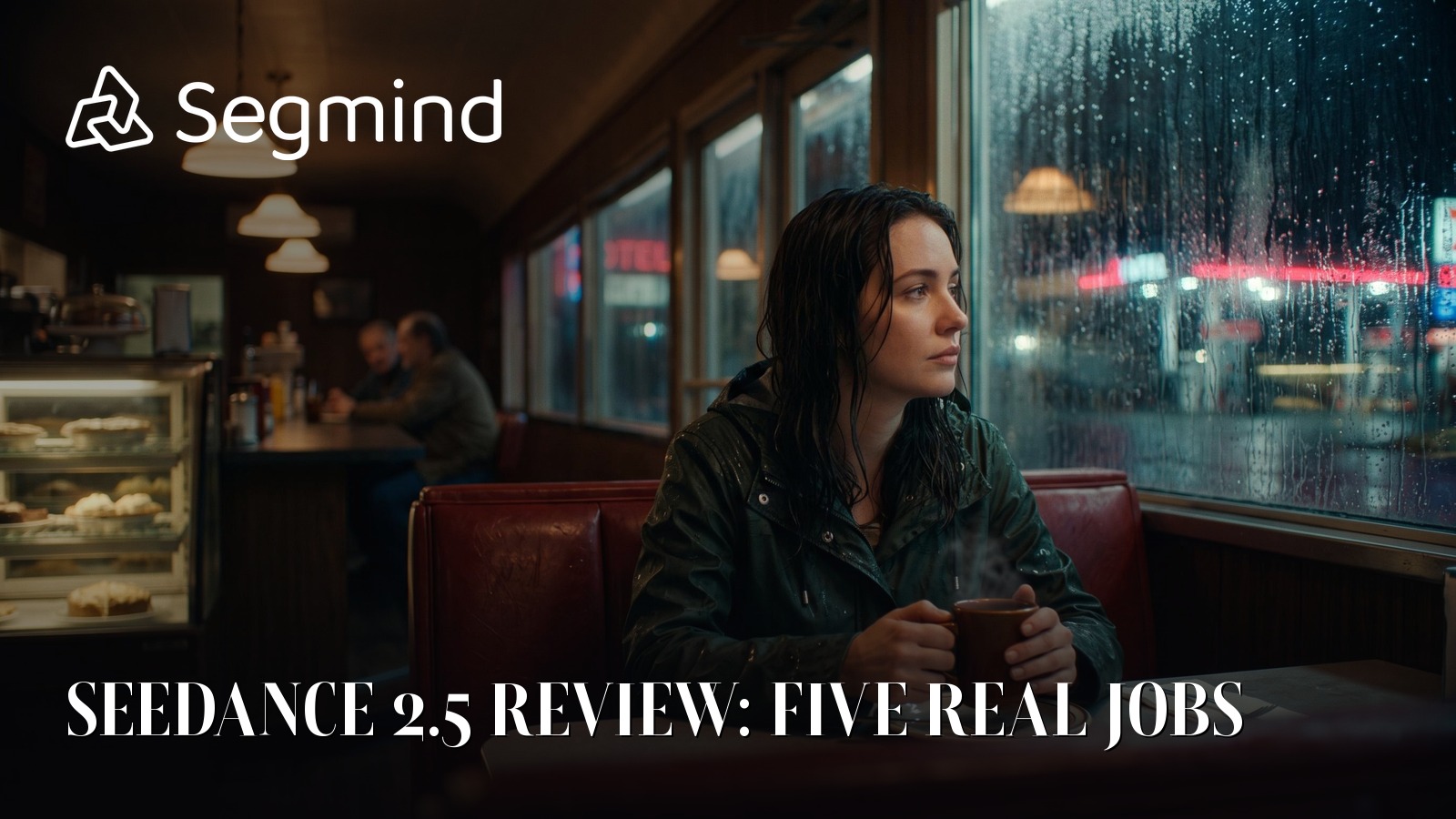
I have spent the last few days firing Seedance 2.5 at five real production jobs: an ad spot, a vertical product video, a dialogue scene, a widescreen previs, and a localized cut. Every clip in this post came out of those runs, and they are embedded below so you can judge the picture yourself.
This review is about what you actually get back. What lands in your editor, whether it matches what you asked for, how long you wait for it, and which of these five jobs the model is genuinely ready for.
What actually lands in your editor
Most model reviews stop at "the clip looked good". The thing that decides whether a model survives contact with a real edit is duller than that: what the file is, whether it conforms, and how much cleanup it needs before it sits on a timeline next to camera footage.
I pulled the container apart on all five delivered clips. Here is what came back.
| Job | Asked for | Delivered | Length | Size |
|---|---|---|---|---|
| Ad spot | 15s, 720p, 16:9 | 1280x720 | 15.042s | 17.9 MB |
| Product video | 15s, 720p, 9:16 | 720x1280 | 15.042s | 19.4 MB |
| Dialogue scene | 20s, 720p, 16:9 | 1280x720 | 20.042s | 23.8 MB |
| Previs | 15s, 720p, 21:9 | 1470x630 | 15.042s | 27.0 MB |
| Localized cut | 15s, 720p, 16:9 | 1280x720 | 15.042s | 18.1 MB |
Every one of them is H.264 High profile in a standard MP4 container, level 3.1, or 3.2 for the wider 21:9 frame. Video runs at a true constant 24 fps, with one uniform frame duration across the whole clip and no variable frame rate anywhere in the timing table. Audio is stereo AAC, 16 bit, at 32 kHz. Bitrates landed between 9.5 and 14.3 Mbps on the default quality setting, with the 21:9 previs sitting highest.
Three practical consequences.
It conforms, so it drops straight in. Constant frame rate H.264 at 24 fps is the least troublesome thing you can hand an NLE. No conform step, no retiming, no rebuilt timecode. Of everything I checked, this is the part that made the biggest difference to how usable the output felt. Plenty of generative video lands as variable frame rate, which means your first job is a transcode before you can even scrub it properly. Not here.
The audio is 32 kHz, not 48. That is the one conform detail worth catching before it catches you. Broadcast and most edit timelines run at 48 kHz, so your editor will resample on import. It is not a quality problem at this level, but if you are laying these clips against a 48 kHz music bed and wondering why an audio pass flagged them, that is why. Resample on ingest and move on.
You get one frame more than you asked for. A 15 second request returns 361 frames, which is 15.042 seconds. A 20 second request returns 481. The extra frame is inclusive-endpoint arithmetic, not drift, and it is consistent across every clip. Trim it if you are cutting to an exact broadcast slot.
The bitrate range is worth a note of its own. Between 9.5 and 14.3 Mbps at 720p is generous, and it shows in the parts of the frame that usually fall apart first: rain, motion blur, fabric texture, hair against a bright background. I did not see the smeared blocking in high-motion sections that gives cheaper renders away. The previs sitting at the top of that range is the model spending bits where the wider frame needs them.
What I am not going to do is score the picture out of ten. Visual taste is the part of a review you should not outsource, and the five clips are sitting right here in the post at full resolution. Watch them against your own brief.
Where 2.5 sits, and the 4K question
Seedance 2.5 is ByteDance's multi-shot video model with synchronized native audio, generating from text, images, or reference media. It takes clips from 4 to 30 seconds, at 480p or 720p, in 16:9, 9:16, 1:1, 4:3, 3:4, 21:9, or adaptive framing. You can seed it with a first frame, a last frame, or reference images, video and audio.
Now the part that matters if you arrived here from the marketing copy. Seedance 2.5 does not do 4K, and it does not do 1080p. There are exactly two resolutions, 480p and 720p. Seedance 2.0 offered 480p, 720p, 1080p and 4K.
What 2.5 traded away in resolution it bought back in duration. 2.0 topped out at 15 seconds. 2.5 goes to 30. That is a real decision, not a spec footnote. If you are cutting a broadcast spot you need the 2.0 path or a separate upscale step. If you are cutting a 20 second social edit, 2.5 gets you there in one pass instead of two, and the audio stays continuous across the whole thing rather than being stitched across a seam.
Whether that trade is right for you comes down to one question: is your delivery ceiling 720p? For social, pre-roll, internal review and previs, it usually is, and the extra duration is worth more than pixels you were going to downscale anyway. For anything finishing on a big screen, no amount of prompting substitutes for the resolution you do not have.
Five real jobs, and how each one held up
I ran the five scenarios ByteDance points this model at: advertising, e-commerce, short drama, film previs, and localization. All at 720p with audio on, all in the 15 to 30 second band where 2.5 has something 2.0 did not.
1. The 15 second ad spot
A three shot energy drink commercial: an athlete sprinting up a rain-slick stairway at dawn, a close-up of a can lifted from a gym bag with condensation on the metal, then the athlete backlit at the top of the stairs. Shallow depth of field, handheld feel, upbeat music.
Fifteen seconds is the standard pre-roll and paid-social length, and here it is a single generation. On 2.0 you would have been sitting exactly on the 15 second ceiling with no headroom for a re-time.
The output held the three shot structure, and the cuts landed roughly where the prompt implied rather than drifting into one continuous camera move, which is the failure I expected. The condensation close-up is the shot that sells it: the model handles small specular detail on a dark surface better than the wide action shots, where fast motion softens the frame. Music arrives with the picture, synchronized, and it hits the cut points closely enough that a straight edit does not fight it.
The practical lesson is prompt shape rather than settings. A three shot structure fits comfortably at this length, and each shot needs at least three seconds of room. On Seedance 2.0 we found that multi-shot prompts compressed under 8 seconds failed outright. 2.5's longer range makes that easier to avoid, but the underlying constraint has not moved: shots need time to read, and asking for five cuts in fifteen seconds is asking the model to fail.
2. The vertical product video
Same duration, vertical framing. The model returned a true 720x1280, not a 16:9 render cropped to vertical, which is the failure mode worth checking for on any model that advertises multiple aspect ratios. Framing is composed for the tall frame: the subject sits in the upper two thirds where a product shot wants it, with room at the bottom that a caption or a price overlay can occupy without covering anything.
That distinction decides whether the clip is usable. A cropped 16:9 gives you a subject centered for the wrong frame, and you spend the edit repositioning or living with dead space. A native vertical render arrives composed, and for catalogue work at any volume that difference compounds across every SKU.
This is the use case I would put into a real pipeline first. Not because the picture is the most impressive of the five, but because product video is repetitive, high volume, and forgiving: the brief is narrow, the shot language is conventional, and 720p is past what a product listing needs. The constraint here is not the model, it is your reroll rate, which is the one number no review can give you.
3. The 20 second dialogue scene
Two people in a quiet late-night cafe with rain on the window. A woman stirring a mug, a man sitting down opposite her, a line each, and a gentle push-in on the last line. Warm lamp light inside, cool street light through the glass, ambient rain underneath.
Twenty seconds is a length that simply was not available on 2.0. Two characters, a line each, and a reaction beat need roughly that much room, and generating it in one pass is the only way the audio stays continuous underneath the cuts.
This is the hardest of the five jobs and the one where the ceiling shows. The mixed lighting is handled well, warm and cool sources reading as separate rather than muddying into one temperature, and the rain on the window holds up. Faces are where 720p starts costing you. In the wider two-shot the performances read fine, but the push-in gets close enough that you notice the resolution, and fine facial motion during speech is softer than the rest of the frame. Ambient rain and room tone sit under the dialogue properly rather than sounding layered on afterwards.
One thing worth knowing before you plan around this. My first version of this scene was refused outright. It described the setup as a short drama with a 35mm film look, and the request came back rejected on copyright grounds. Nothing about it was unusual. The moderation ran on the finished video rather than on the prompt, so the refusal arrived after the full generation wait rather than immediately. Rewriting the same beat in plainer language, with no film stock reference, passed on the next try.
Take the general lesson rather than the specific one. Style references that name a stock, a studio, or a look associated with a rights holder are the reliable way to trip moderation on this model. Describe the light and the lens behaviour instead of naming the thing you are imitating, and you get the same image without the refusal.
4. The 21:9 previs sequence
Same 15 seconds in a 21:9 frame. The model returned 1470x630, which is a genuinely wide native render rather than a letterboxed 16:9. It also came back at the highest bitrate of the five, 14.3 Mbps, and at a higher H.264 level than the others.
Previs is where 720p stops being a compromise, because nobody is grading a previs. What previs needs is the widescreen framing decision made early, and a native 21:9 render means the director is looking at the real crop instead of imagining it inside a 16:9 frame. Blocking, headroom and where a subject sits against the edge of frame all read correctly, which is the entire point of the exercise.
This was the clearest case of the five where the model's ceiling does not matter to the job. A previs is a thinking tool. It gets watched a handful of times by people making decisions and then it is thrown away. Resolution was never what it was for.
5. The 15 second localized cut
Same shape as the ad spot, with the dialogue written in the target language. Native audio is the reason this is one pass rather than a pipeline. The alternative is generate, then text to speech, then a lip sync pass, which is three vendors and three failure modes stacked on each other.
The audio came back in sync with the picture, stereo, and in the same generation as the frames. Mouth movement tracks the speech closely enough for social and internal review work. It is not a lip sync pass and I would not put it in front of a client expecting broadcast dubbing, but for the length and the delivery this is aimed at, it holds.
The honest caveat: I can tell you the audio track is there, that it is in sync with the frame count, and that it came back in one pass. I cannot tell you the Spanish pronunciation is good, because I do not have a native speaker on this. That check stays in your workflow regardless of what any model claims about language coverage, and it is the single step I would not skip on localization work.
The number you cannot plan around
The picture is consistent. Turnaround is not, and this is the finding I would most want to know before committing to a delivery schedule.
Across 18 completed generations, wall clock ran from 60.1 seconds to 226.7 seconds, with a median of 138.9.
The spread is not explained by duration. Five requests with an identical 10 second 720p vertical shape came back in 77.3, 112.8, 141.6, 203.5 and 223.5 seconds. Same brief, same settings, 2.9x spread. Meanwhile my single 30 second clip returned in 136.1 seconds, faster than four of those five 10 second clips.
Duration does push the median up, but gently: 121.7 seconds at 5s, 141.6 at 10s, 188.4 at 15s. The variance within a single configuration is larger than the difference between durations, which means queue conditions dominate, not your choices.
What that means when you are planning work:
- Budget by the batch, not the clip. Plan on roughly two and a half minutes per clip as a median and around four at the tail, so a 40 clip campaign is something you start and walk away from.
- Do not put it in a live review session. Generating options while a client watches does not work at these times. Generate ahead, review the set.
- Leave slack on the same-day turnarounds. A clip that took 60 seconds yesterday can take four minutes today with nothing changed.
- Your real schedule is these numbers times your reroll rate. One usable clip is rarely one generation, and that multiplier matters more than the median.
Where I would and would not use it
Use it for social and pre-roll ad cuts, vertical product video at catalogue scale, dialogue scenes in the 15 to 30 second band, and widescreen previs. Previs and vertical product video are the two I would put into a real pipeline tomorrow: previs because 720p is already past what the job needs, and product video because the work is repetitive and the frame is composed correctly. The single pass synchronized audio is the real differentiator, and the 30 second ceiling removes the stitching problem that made 2.0 awkward for anything with a narrative shape.
Do not use it for anything that has to finish at 1080p or 4K. There is no setting that gets you there and no amount of prompting substitutes for one. Budget an upscale pass or pick a different model. I would also be careful with close-up dialogue as the centrepiece of a paid deliverable. It works, but faces are where the resolution ceiling is most visible, and a tight push-in is the least flattering thing you can ask of a 720p render.
Two more caveats worth stating plainly. Throughput is unpredictable even though the output is consistent, so this does not belong anywhere someone is waiting on it in real time. And every clip in this review is one generation, once. Your real turnaround per usable clip is these numbers multiplied by your reroll rate, and no benchmark can tell you what that rate will be for your prompts and your brief.
FAQ
What quality of video does Seedance 2.5 actually output?
H.264 High profile MP4 at a true constant 24 fps, at 720p or 480p, with stereo AAC audio at 32 kHz. Our five clips came back between 9.5 and 14.3 Mbps. It conforms cleanly, so it drops into an NLE without a retime or a variable frame rate step.
Does Seedance 2.5 support 4K?
No. Seedance 2.5 offers 480p and 720p only. Seedance 2.0 supported 1080p and 4K but capped at 15 seconds. 2.5 traded the resolution ceiling for a 30 second duration ceiling.
Is 720p good enough for real client work?
For social, pre-roll, product listings and previs, yes. Those all deliver at or below 720p anyway. For anything finishing on a large screen, or for close-up dialogue where faces carry the shot, the ceiling is visible and you need an upscale pass or a different model.
How long does a Seedance 2.5 generation take?
Between 60 and 227 seconds in our testing, median 139. Identical requests varied by nearly 3x, so treat turnaround as unpredictable and plan in batches rather than promising a per-clip time.
Does Seedance 2.5 render true vertical and 21:9 frames?
Yes. Our 9:16 request returned a native 720x1280 and our 21:9 request returned 1470x630, both composed for the frame rather than cropped from 16:9.
Is the audio actually usable?
It arrives in the same pass as the picture, in sync, as stereo AAC. Music and ambient beds sit properly under the frame. Dialogue holds for social and review work, but it is not a substitute for a proper dub, and 32 kHz means your timeline will resample it on import.
The takeaway
Seedance 2.5 is a 720p model that behaves like a production tool. The files conform, the aspect ratios are native rather than cropped, the audio arrives in the same pass as the picture, and the 30 second ceiling means a scene with a narrative shape fits in one pass. For previs, vertical product video and social cuts, that combination is enough.
What you cannot pin down is time. The output is consistent and the picture is on the screen above for you to judge, but turnaround swung 2.9x on identical requests. Plan around a batch, not a clip.
If you want to check any of this rather than take my word for it, Seedance 2.5 is on Segmind.