
Wan 3 Prompt Guide: Alibaba's Official Formulas, Tested
A Wan 3 prompt guide built from real tests: Alibaba's official formulas, five generations at one seed, and the templates that actually worked.

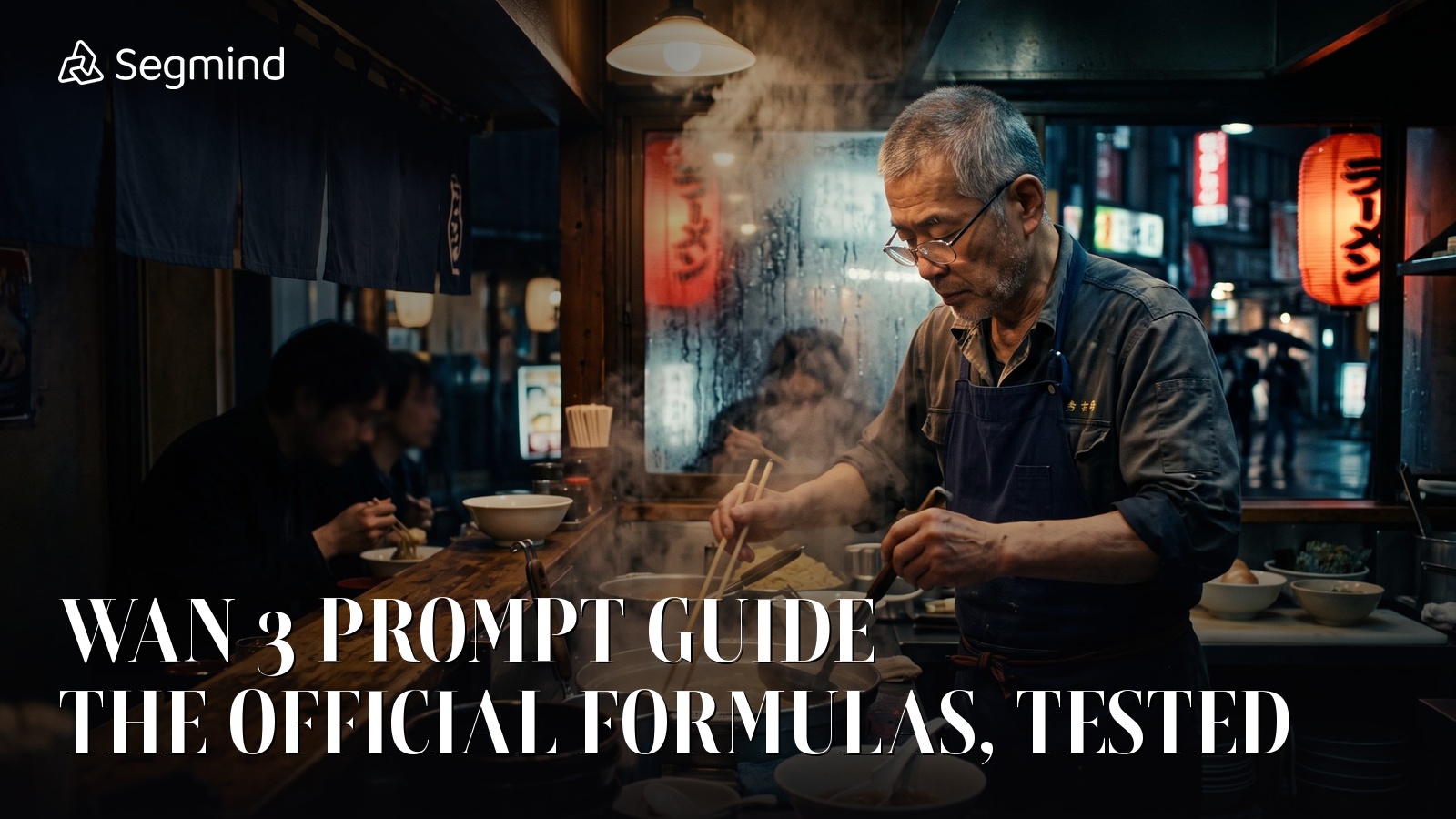
I spent an afternoon firing the same four words at Wan 3 over and over: A chef making ramen. The model never once failed. It also never once gave me the shot I wanted. That gap, between a model that works and a model that does what you asked, is the entire reason this Wan 3 prompt guide exists.
Wan 3 is Alibaba's newest video model, and it collapses what used to be four separate endpoints into one that takes text, a first frame, reference images, reference video and audio, then returns up to 30 seconds of 1080p video with native sound. Alibaba publishes a set of prompt formulas for it. I wanted to know whether those formulas actually earn their keep, so I ran them on Segmind at a fixed seed and watched every frame that came back. Below are the official formulas, several curated templates you can paste straight into a request, and the measured cost and latency of getting there.
What Wan 3 actually is
Wan 3.0 runs on Segmind as wan3.0-video. One endpoint, one prompt field, and the mode is inferred from whatever media you attach. Send text alone and it is text-to-video. Attach image and it treats that as the first frame. Attach reference_images and it carries identity across the clip. Attach reference_videos and it extends or restyles.
The parameters that matter for prompting:
duration: 2 to 30 seconds, default 5.resolution:480P,720Por1080P, default 720P.audio: on by default. Wan 3 scores the clip in the same pass it renders the picture, which is why the sound formula below is not optional.prompt_extend: on by default, and it rewrites your prompt before rendering. More on this later, because it is the single most surprising thing I found.enable_thinking: off by default, a slower planning pass.negative_prompt,seed,aspect_ratio,last_frame.
The official Wan 3 prompt formulas
Alibaba documents these in its Model Studio prompt guide, and they are worth committing to memory because each one targets a different input mode. This is the reference table I now keep open while writing prompts.
| Formula | Shape | Use it for |
|---|---|---|
| Basic | Entity + Scene + Motion | A quick text-to-video draft |
| Advanced | Entity + Scene + Motion + Aesthetic control + Stylization | Anything you intend to actually use |
| Image-to-video | Motion + Camera movement | When a first frame already fixes the look |
| Sound | Entity + Scene + Motion + Sound description | Dialogue, foley, score |
| Multi-shot | Overall description + Shot number + Timestamp + Shot content | Sequences longer than about 8 seconds |
| Reference-to-video | Reference identifier + Action + Scene + Lines + Background music | Holding a character across shots |
Alibaba's documented prompt formulas for the Wan family. The advanced formula is the one that does the heavy lifting.
Two of those components are where most people leave quality on the table. Aesthetic control means light source, lighting environment, shot size, camera angle, lens and camera movement. Stylization means the visual register: photoreal, cyberpunk, line art, wasteland. Skip both and you have described what happens but not how it is filmed, and the model will decide for you.
The sound formula expands the same way. Alibaba breaks a voice into lines + emotion + tone + speed + timbre + accent, a sound effect into source material + action + ambient sound, and music into score + style.
Test 1: one subject, three prompts, same seed
Here is the experiment that convinced me. I held everything constant: wan3.0-video, 5 seconds, 720P, 16:9, seed: 12345, audio on. The only variable was the prompt, and in one case the prompt_extend flag.
Attempt 1: the lazy prompt, prompt_extend off
Parameters resolution: 720P | duration: 5 | aspect_ratio: 16:9 | seed: 12345 | prompt_extend: false | audio: true
Wan 3 output, four-word prompt, prompt_extend off. Competent, and completely anonymous.
Nothing is broken here. The noodles look like noodles, the broth pour is clean, the lighting is even. It is also pure stock footage. The model made two decisions I never asked it to make. First, it chose a bright commercial food-advertising register, the kind of thing you would license for a delivery-app pre-roll. Second, and more interesting, it cut the clip into five separate shots inside five seconds: noodles into the bowl, broth pour, garnish, hero bowl, hands presenting. Given no direction, Wan 3 does not hold a frame. It edits.
The chef's face never appears in a single frame. When you do not specify a subject, the model treats the food as the subject and crops the human out.
Attempt 2: same four words, prompt_extend on
Parameters resolution: 720P | duration: 5 | aspect_ratio: 16:9 | seed: 12345 | prompt_extend: true | audio: true
Identical prompt and seed, prompt_extend left at its default. A different film, not a better-directed one.
Same seed, same four words, and a visibly different clip. prompt_extend sends your text through a rewriter that inflates it into a full scene description before rendering. Here it invented a modern working ramen shop: stainless prep line, a chef in white whites with a black cap, black nitrile gloves, a face mask. The detail density went up and so did the bitrate.
But look at what did not change. Still no face. Still cut into multiple shots. Still nobody's specific chef in nobody's specific restaurant. prompt_extend adds production detail; it does not add your intent. It is a decent safety net for a throwaway prompt and a liability the moment you care about continuity, because the text that reaches the model is not the text you wrote.
Attempt 3: the advanced formula, prompt_extend off
Now the same shot written to the official advanced formula. Entity with described appearance, scene with described environment, motion with amplitude and speed, aesthetic control naming the light sources and the shot size and the camera move, stylization, then the sound clause.
Parameters resolution: 720P | duration: 5 | aspect_ratio: 16:9 | seed: 12345 | prompt_extend: false | audio: true
Same model, same seed, same five seconds. The advanced formula buys a held shot, a real character and a lit face.
This is a different class of output, and the differences map one to one onto the formula components I added:
- One continuous shot. The five-cut montage is gone. Naming a shot size and a camera move ("medium close-up, slight low angle, slow push in") is what stops Wan 3 from editing on your behalf. This was the biggest single win, and it came from the aesthetic-control clause.
- The character I described actually showed up. Grey hair, glasses, navy indigo apron over a white tee, the right age. Entity description is not flavour text; it is casting.
- The face is visible and lit across the whole clip, because the shot size was specified.
- The scene is the one I wrote: night, cramped counter, condensation on the glass, a red lantern burning through it, warm overhead tungsten against cool blue street light. Naming two light sources and their colour temperatures did more for the image than any quality adjective would have.
- The specific action landed. The basket lift and the downward snap are there, which is what "amplitude, speed and effect" in the motion clause is for.
Same cost, same render time, same model. The only thing that changed was how much of the direction I did myself.
Test 2: the sound formula, and how much dialogue fits in five seconds
Wan 3 generates audio in the same pass as the picture, so the sound clause belongs in the prompt from the start rather than being fixed in post. I wrote the voice out the way Alibaba specifies it: the line itself, then emotion, tone, speed, timbre and accent. I also named the camera as static, to see whether the camera vocabulary holds when dialogue is the focus.
Parameters resolution: 720P | duration: 5 | aspect_ratio: 16:9 | seed: 12345 | prompt_extend: false | audio: true
The sound formula with a two-sentence line. Turn your volume on for this one.
Two things worked exactly as written. The camera stayed locked off for the full five seconds, no drift and no invented cut, which tells me the camera vocabulary is respected even when the model has dialogue to handle. And the framing held the medium close-up I asked for.
The more useful finding is about timing. I pulled the audio out and measured its energy envelope in quarter-second windows, and the shape is clean:
- 0.00s to 0.75s: room tone only, around -43 dB. The model gives the shot a beat before anyone speaks.
- 1.00s to 1.50s: first utterance, jumping to about -16 dB.
- 1.75s: a dip back to room tone. That is the sentence break.
- 2.00s to 3.25s: second utterance, peaking around -12 dB.
- 3.50s to 5.04s: back to room tone under the nod and the hand-wipe.
My line was two sentences and it came back as two distinct utterances with a pause between them, landing inside roughly 2.5 seconds of a 5 second clip. That gives you a planning rule worth having: budget about 2.5 seconds of actual speech per 5 second clip, because Wan 3 spends the first second setting the shot and wants a beat at the end. Two short sentences fit. A paragraph will get rushed or truncated.
One production note. The mix comes back hot. Peak on this clip was -0.5 dBFS, and on a previous Wan 3 clip I measured a true peak slightly above zero. If you are cutting Wan 3 audio into a timeline with other material, pull the gain down before you do anything else.
I did not run the audio through a transcriber, so I am not going to claim the words came out phonetically perfect. What I can say from the envelope and from watching the frames is that the mouth moves in time with the speech energy and the sentence structure survived.
Test 3: the multi-shot formula, and whether timestamps are real
The multi-shot formula is the one I was most sceptical about. It asks you to write an overall description, then number your shots and give each one a timestamp range. Plenty of models treat that as decorative. I gave Wan 3 ten seconds and three explicitly bounded shots.
Shot 1 [0-3s]: extreme close-up, noodles dropping into rolling boiling water, steam blooming toward the lens.
Shot 2 [3-6s]: medium close-up, the chef lifting the wire basket and snapping it downward twice, fast and practiced.
Shot 3 [6-10s]: slow push in on the finished bowl as he sets it on the counter, chashu and soft egg in focus, steam rising.
Ambient sound of a rolling boil, the rattle of the basket, faint street noise. No music.
Parameters resolution: 720P | duration: 10 | aspect_ratio: 16:9 | seed: 12345 | prompt_extend: false | audio: true
Three timestamped shots in one 10 second generation. The cuts land where the prompt says they should.
The timestamps are real. I stepped through the clip a frame at a time and the structure matches what I wrote:
- Shot 1 holds the extreme close-up on the pot for the first three seconds, noodles going in, steam toward the lens.
- Shot 2 cuts at roughly the three second mark to the chef and the wire basket, framed wider, the counter and the blue street behind him.
- Shot 3 cuts again around six seconds to the finished bowl, and the slow push in is visibly there: the bowl grows steadily in frame across the last four seconds. The chashu and the soft egg I named are both in it.
The navy apron and the counter's lighting carry across all three shots, so the "overall description" prefix is doing real work as a continuity anchor. This is the formula to reach for when you want a sequence rather than a moment, and it is the one that most changes what a single API call is worth: three usable shots for one generation.
Worth noticing what I did not get. The chef's face never appears, because none of my three shot descriptions asked for it. The pattern from Test 1 holds all the way through: Wan 3 gives you what you name and quietly decides everything else.
What prompt_extend really does, and when to switch it off
This deserves its own section because it is on by default and it is invisible. With prompt_extend: true, your text goes through a rewriter that expands it into a fuller scene description, and the model renders that instead. Across my tests the behaviour was consistent:
- Leave it on for short, casual prompts where you want a plausible-looking clip and do not much care about the specifics. It reliably beat the bare prompt on production detail.
- Turn it off the moment your prompt is deliberate. A fully written advanced-formula prompt already contains the detail the rewriter would add, and letting it rewrite means the text that reaches the model is not the text you tuned. That is fatal for continuity work, because your carefully repeated character description can come back paraphrased differently on every call.
The practical rule I settled on: if your prompt is under about twenty words, prompt_extend helps. If it is over sixty and you wrote it to a formula, set it to false and keep control. Note that it also makes seeds less useful, since the same seed with a rewritten prompt is not a reproducible pair.
Curated Wan 3 prompt formulas you can paste
These are the templates I keep in a snippets file. Fill the brackets, drop the rest in as-is. All of them assume prompt_extend: false.
1. Cinematic character moment (text-to-video)
[AGE, ETHNICITY, BUILD] [SUBJECT] with [2-3 SPECIFIC APPEARANCE DETAILS],
wearing [WARDROBE]. [LOCATION] at [TIME OF DAY], [2-3 SET DETAILS].
[SUBJECT] [ACTION with amplitude and speed], then [SECOND ACTION].
[KEY LIGHT SOURCE and COLOUR] and [FILL/BACK LIGHT SOURCE and COLOUR],
[SHOT SIZE], [CAMERA ANGLE], shallow depth of field, [CAMERA MOVE].
Photorealistic, cinematic, 35mm film grain.
Ambient sound of [SOURCE 1] and [SOURCE 2]. No music.
2. Product hero shot (marketing)
[PRODUCT] on [SURFACE] in [ENVIRONMENT], [MATERIAL/FINISH DETAILS].
[PRODUCT MOTION: rotating slowly / lid lifting / liquid pouring],
[SPEED descriptor].
Soft [KEY LIGHT] from [DIRECTION] with [RIM LIGHT] behind, macro close-up,
locked-off camera, shallow depth of field, clean [COLOUR] background.
Photorealistic commercial product cinematography.
Ambient sound of [SUBTLE FOLEY]. No music.
3. Dialogue beat (sound formula)
[SHOT SIZE] of [CHARACTER DESCRIPTION] in [LOCATION], [LIGHTING].
[CHARACTER] [PHYSICAL ACTION], looks at [TARGET] and speaks,
[EMOTION], [TONE], [SPEED], in [ACCENT]: "[ONE OR TWO SHORT SENTENCES]"
[CLOSING PHYSICAL BEAT].
Static locked-off camera, shallow depth of field. Photorealistic, cinematic.
Ambient sound of [BACKGROUND]. No music.
Keep the spoken line to two short sentences for a 5 second clip. Scale up from there at roughly 2.5 seconds of speech per 5 seconds of runtime.
4. Three-shot sequence (multi-shot formula)
Overall: [SETTING], [STYLE], [LIGHTING], consistent [SUBJECT] throughout:
[SUBJECT DESCRIPTION].
Shot 1 [0-3s]: [SHOT SIZE], [CONTENT].
Shot 2 [3-6s]: [SHOT SIZE], [CONTENT].
Shot 3 [6-10s]: [SHOT SIZE], [CONTENT], [CAMERA MOVE].
Ambient sound of [SOURCES]. No music.
Repeat the subject description in the "Overall" prefix rather than in each shot. That is what keeps wardrobe and face consistent across the cuts.
5. Image-to-video (first frame supplied)
[SUBJECT] [ACTION with speed and amplitude].
[SECONDARY MOTION in the environment: steam drifts / fabric moves / rain falls].
Camera [MOVE: slow push in / tracking left / crane up], [SPEED].
Ambient sound of [SOURCES]. No music.
With a first frame attached, do not re-describe the subject or the lighting: the image already fixes those, and re-describing them fights the reference. Motion plus camera, nothing else.
What it costs and how long it takes
Wan 3 bills per second of output, flat within a resolution tier. Every one of my five generations matched the published rate exactly, so this table is measured rather than estimated:
| Resolution | Per second | 5 second clip | 30 second clip |
|---|---|---|---|
| 480P | $0.05 | $0.25 | $1.50 |
| 720P | $0.10 | $0.50 | $3.00 |
| 1080P | $0.20 | $1.00 | $6.00 |
Duration is linear. Audio, aspect ratio and enable_thinking do not change the price.
All five clips in this post cost $3.00 in total. The whole experiment, including the comparison that taught me the most, was cheaper than lunch.
Latency is the real tax. My four 5 second clips came back in 219.6s, 221.4s, 235.4s and 252.1s, averaging 232s. The single 10 second clip took 283.7s. That is the useful shape here: doubling the duration did not double the wait, because a large fixed overhead of roughly three minutes dominates every request. If you need ten seconds of footage, ask for a ten second clip rather than stitching two five second ones. I have seen slower days on this model, so treat these as a good run rather than a guarantee, and set your client timeout in the thousands of seconds rather than the hundreds.
Calling it from Python
import requests

resp = requests.post(
    "https://api.segmind.com/v1/wan3.0-video",
    headers={"x-api-key": "YOUR_API_KEY"},
    json={
        "prompt": "...your advanced-formula prompt...",
        "resolution": "720P",
        "duration": 5,
        "aspect_ratio": "16:9",
        "seed": 12345,
        "prompt_extend": False,   # keep the text you wrote
        "audio": True,
    },
    timeout=1800,                 # this model is slow; do not use the default
)
resp.raise_for_status()
with open("out.mp4", "wb") as f:
    f.write(resp.content)         # binary MP4 comes straight back
print(resp.headers.get("x-cost"))  # exact billed amount for this call
The endpoint is synchronous and returns the MP4 as raw bytes, so there is no polling loop to write. The two things people get wrong are leaving the default request timeout in place, which kills a perfectly good generation at the client, and forgetting that x-cost on the response tells you exactly what the call billed.
Honest assessment
What Wan 3 does very well: it respects camera and shot-size vocabulary more reliably than I expected, the timestamped multi-shot formula genuinely works, and native audio in the same pass removes a whole post-production step. At $0.10 per second for 720P with sound, the economics are hard to argue with.
Where it will frustrate you: the wall-clock time is genuinely long, around four to five minutes for a short clip, which makes iterative prompt tuning painful. prompt_extend being on by default means a lot of people are getting rewritten prompts without realising it. And the model is aggressive about inventing cuts when you do not specify a shot, which is either a feature or a problem depending on whether you noticed.
Best fit: sequences and dialogue beats where you can write the prompt properly and wait. Not a fit: anything needing fast iteration loops or frame-exact art direction.
FAQ
What is the best Wan 3 prompt guide formula to start with?
Start with the advanced formula: Entity + Scene + Motion + Aesthetic control + Stylization. The aesthetic-control clause, naming your light sources, shot size and camera move, produced the single biggest quality jump in my tests.
How do I stop Wan 3 from cutting between shots?
Name a shot size and a camera move. Given no camera direction, Wan 3 edits on your behalf: my four-word prompt came back cut into five shots inside five seconds. Adding "medium close-up, slow push in" produced one continuous take.
Should I turn off prompt_extend in Wan 3?
Turn it off for detailed, formula-written prompts, since it rewrites your text before rendering. Leave it on for short casual prompts, where it adds useful production detail. It defaults to on.
How much dialogue fits in a 5 second Wan 3 clip?
About two short sentences, roughly 2.5 seconds of speech. The model spends the first second establishing the shot and leaves a beat at the end.
How much does Wan 3 cost per video?
$0.05, $0.10 and $0.20 per second of output at 480P, 720P and 1080P. A 5 second 720P clip with audio costs $0.50. Duration is linear and audio is free.
Does the Wan 3 multi-shot timestamp syntax actually work?
Yes. Three shots bounded at [0-3s], [3-6s] and [6-10s] cut within about a frame of where the prompt specified, and the shared "Overall" prefix kept the character consistent across all three.
Where this leaves me
The headline from an afternoon of testing is not that Wan 3 is good, though it is. It is that the gap between a lazy prompt and a formula-written one is enormous, and it costs exactly the same. Same model, same seed, same $0.50, same four minute wait: one gives you anonymous stock footage cut into five pieces, the other gives you the shot you had in your head.
The formulas are not ceremony. Each clause buys a specific thing, and now I know which clause buys which. Grab the templates above, set prompt_extend to false, and try Wan 3 on Segmind with a prompt you actually wrote.