
Best Text-to-Video API for Production Workflows in 2026
A founder's honest guide to picking a text to video API in 2026: model choices, real production use cases, and unit-economics tradeoffs.

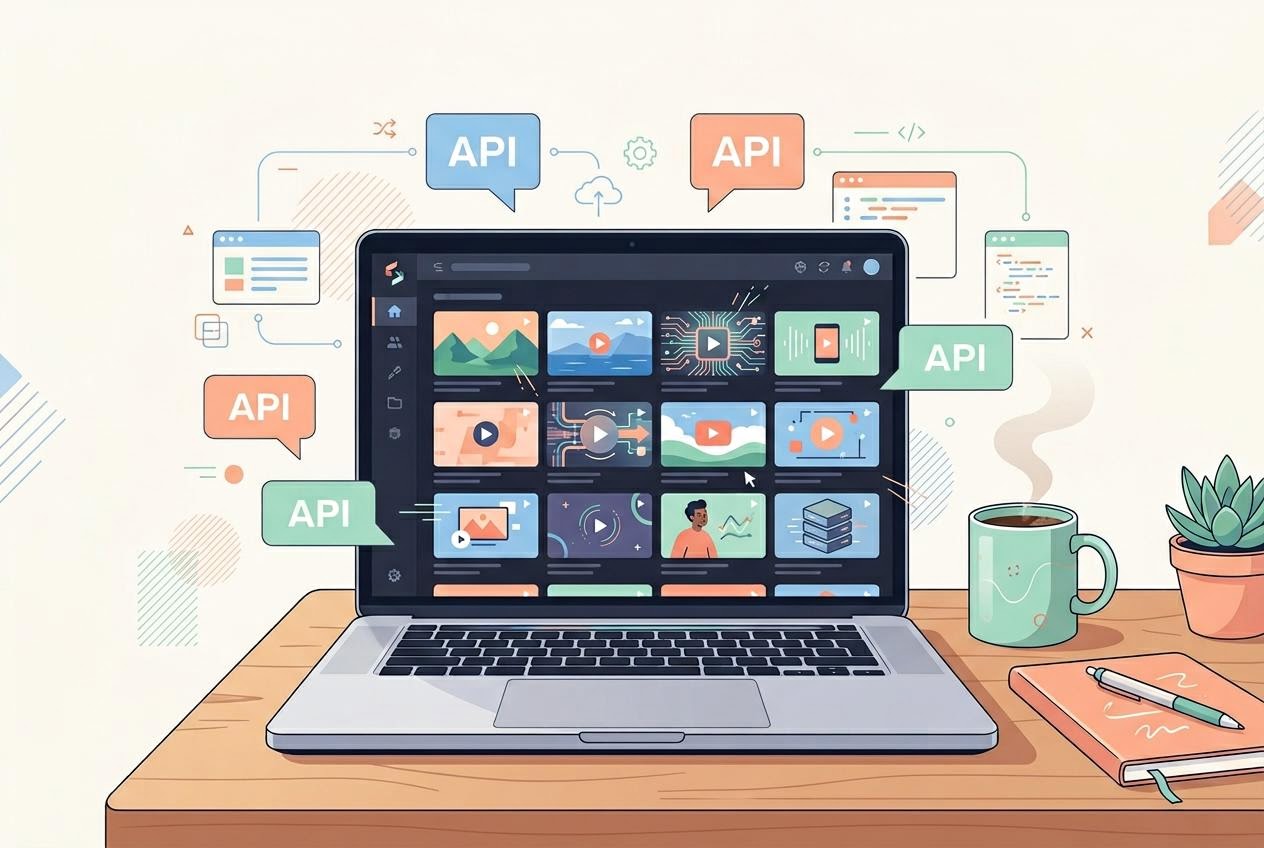
Last month, I sat with a friend who runs a 12-person performance marketing agency in Bangalore. She had just blown through her monthly Runway budget in 11 days, two of her editors were on Kling Pro subscriptions, and her producer was hand-rolling Veo prompts in a Google AI Studio tab.
Three tools, three logins, three invoices, three quality bars.
She asked me a fair question: “Why can’t I just call all of them from one place?”
That is the entire reason text-to-video APIs matter in 2026. The interesting model is no longer one model. It is the API layer you use to reach all of them without rebuilding your stack every quarter.
I run Segmind, which hosts 21 text-to-video models behind a single API contract today. I have run real production traffic through almost every major model on the market this past year.
This post is the buyer’s guide I wish I had when I was on the other side of the table.
So, are you ready to stop juggling separate AI video tools?
Explore Segmind’s models and start building production-ready video workflows today!
TL;DR
- API Layer: The best text-to-video setup in 2026 is not one perfect model. It is a stable API layer that lets teams test, switch, and compare multiple video models without rebuilding their stack.
- Production Fit: Text-to-video APIs work best for short-form, repeatable work like ad variants, product loops, social cuts, and previs. They are still weaker at long takes, motion physics, and character consistency across scenes.
- Model Choice: Ignore launch hype. Test models against your real prompts, aspect ratios, latency needs, cost targets, and output quality.
- Team Efficiency: A multi-model API reduces tool sprawl, invoices, and integration work while making A/B testing easier across models.
- Segmind Advantage: Segmind gives teams one API key to access multiple text-to-video models, compare outputs, and switch models without changing workflows.
What Is a Text-to-Video API?
A text-to-video API takes a written prompt and returns a generated clip, typically around 4 to 12 seconds long, in resolutions ranging from 480p to native 1080p. The good APIs let you control duration, aspect ratio, seed, motion strength, and optionally an opening frame. The great ones let you do that without making you read 40 pages of provider documentation per model.
The category split that matters for buyers is not "open source vs closed." It is whether the API gives you a single, stable contract across many model families, or whether you sign up with each lab individually and stitch their SDKs together yourself.
A marketing agency rendering 200 hero clips a month does not want six vendor relationships. A film studio prototyping a sequence does not want to retrain its team every time a new model ships. The API layer is where this consolidation happens.
Three Real Text-to-Video API Use Cases in Production
Use Case 1: Creating Cost-Controlled Ad Variants With a Text-to-Video API for a Marketing Agency
The performance marketing playbook in 2026 is the same as in 2024, just at 10x the asset volume. You ship 30 to 80 ad variants per campaign, kill the losers, and double down on the winners. The bottleneck used to be production cost. With text-to-video APIs, the bottleneck is now prompt iteration and quality control.
For this use case, I push agencies toward fast, cheap models with a predictable cost per second. Seedance 2.0 Fast and Wan 2.2 Fast are my two defaults. Both come in well under a dollar per 5-second clip at 720p, both have low latency, and both handle the kind of product-centric prompts a performance marketer writes. A typical call looks like this:
POST https://api.segmind.com/v1/seedance-2.0-fast
{
  "prompt": "Cinematic close-up of running shoes on wet asphalt, golden hour light, slow camera dolly forward, 5 seconds",
  "aspect_ratio": "9:16",
  "duration": 5
}
The hard-won lesson here;
Do not benchmark on hero shots. Benchmark on the actual ad cuts you ship. A model that produces a stunning 12-second cinematic clip can still fail at a 5-second product loop. Pick the model that wins on your real distribution, not the one that wins on Twitter.
Use Case 2: Using Text-to-Video APIs for Film Previs and Storyboarding for Film and VFX Studio
Two production houses I work with use text-to-video APIs exclusively for previs, never final pixels. The workflow is dead simple. The director describes the shot; an assistant generates 8 to 12 takes through the API; the team picks the framing that reads best; and that becomes the brief for the actual shoot or VFX comp. In practice, this compresses an early previs process that previously took days into something teams can explore in hours.
For this use case, the calculus flips. Speed matters less. Prompt adherence matters most. You want a model that respects the director's blocking, camera language, and lighting cues.
Google Veo 3 and Kling 3.0 Pro are the two that hold up. Veo 3, in particular, handles cinematographic vocabulary ("4K cinematic, realistic physics simulation, lifelike motion ") with a fidelity older models did not. The cost for an 8-second video with audio is $3.2.
A note on aspect ratios:
Cinema is 2.39:1 or 1.85:1, not 16:9. Verify your chosen API exposes the aspect ratios you actually shoot in before you commit. This single oversight has killed more pilot integrations for studios than any quality issue.
Check out Veo 3 and Kling 3.0 Pro on Segmind to test which model gives your previs team the strongest shot control before production!
Use Case 3: Creating Social Video Cuts With a Text-to-Video API for Production House and MCN
The Multi-Channel Network use case is the one I find most underestimated. An MCN running a roster of 30 creators across 5 regions does not need the highest-quality video. They need consistent, on-brand cuts across six aspect ratios from a single source script, generated overnight on a budget.
Here, the right call is a fast horizontal model plus a transition or extend model layered on top. I will use Pixverse 5 Video for the base generation because the inference time per clip stays under 8 seconds even at 1080p, then call Pixverse 5 Extend or a transition model from the same API surface to glue it all together.
The full pipeline runs as a batch job, keeping the cost per finished short low enough to scale across high publishing volume. For a network shipping 1,000 pieces a week, that is the difference between being scalable and not.
How Segmind Works as a Multi-Model Text-to- Video API
The pitch I make to teams is simple: one API key, one HTTP contract, every major text-to-video model. Today, that includes Google Veo 3, Bytedance Seedance 2.0, Kling 3.0 Pro, Wan 2.7, plus Pixverse and Luma Ray in the same dropdown. You change one slug in your request URL to switch models. Billing is unified. The pricing page lists per-second cost for every endpoint so you can model unit economics before you ship.
What this does for a real team:
- It lets you A/B test models against your actual creative brief without rewriting your code path.
- It lets your finance team forecast spend against one invoice.
- It lets you swap out a model that ships an upgrade without a sprint of integration work.
That last point is the real one. The text-to-video frontier is moving every six weeks. The team that can swap models in an afternoon wins the year.
When to Use a Text-to-Video API and When to Shoot It Yourself
Text-to-video APIs are excellent for short-form, controllable, iteration-heavy work. They are still mediocre at long takes beyond 12 seconds, at character consistency across cuts without a reference image, and at fine motion physics.
If your shot list depends on a specific actor performing a specific action across a 30-second take, you are still better off shooting it. Where the APIs shine is in the 70 percent of production work that was previously stock footage, kitbash, or three-day previs.
FAQs
Which text-to-video API has the best prompt adherence?
Google Veo 3 has the strongest prompt adherence for cinematographic vocabulary in my testing. Kling 3.0 Pro is a close second, especially for character action and motion. Seedance 2.0 is the best all-rounder when you weigh cost and speed.
Can a text-to-video API output 1080p directly?
Yes, several can. Veo 3, Seedance 2.0, Kling 3.0 Pro, and Pixverse 5 all render native 1080p or higher. Confirm the resolution parameter in each model's API spec before you build, because the option naming differs by provider.
What is the longest clip a text-to-video API can generate?
Most current text-to-video APIs cap out at 8-12 seconds per call. Longer outputs are built by chaining a base generation with extend or transition models. Pixverse 5 Extend and similar tools are designed for this exact pattern.
Do text-to-video APIs support negative prompts and seeds?
Some do, some do not. Negative prompts are uneven across providers. Seeds are widely supported and are the reliable way to reproduce a take across runs. Check each model's spec page before relying on either.
How do I pick the right text-to-video API for my use case?
Start with three constraints: target aspect ratio, max acceptable cost per clip, and acceptable wall-clock latency. Filter the model list by those three numbers, then run a 10-prompt bake-off on your actual creative brief. The winner is rarely the model with the loudest launch.
Conclusion
Text-to-video API selection works best when it follows how production actually moves, not whichever model has the loudest launch that month. Teams that get this right spend less time managing tools, rewriting integrations, comparing invoices, and retraining workflows every time a new model ships.
Start with one real use case: ad variants, previs, product loops, or social cuts. Test models against your cost, latency, aspect ratio, and quality needs, then build around an API layer that lets you switch models without rebuilding your stack.
So, why wait? Sign up for Segmind, explore text-to-video models, and start generating production-ready video clips from simple prompts!