
How to Access HappyHorse 1.1 on Segmind: API, Playground & PixelFlow
How to access HappyHorse 1.1 on Segmind in 2026: API, playground, and PixelFlow. Real costs, 4 sample clips, and the gotchas. Under $3 of test credits.

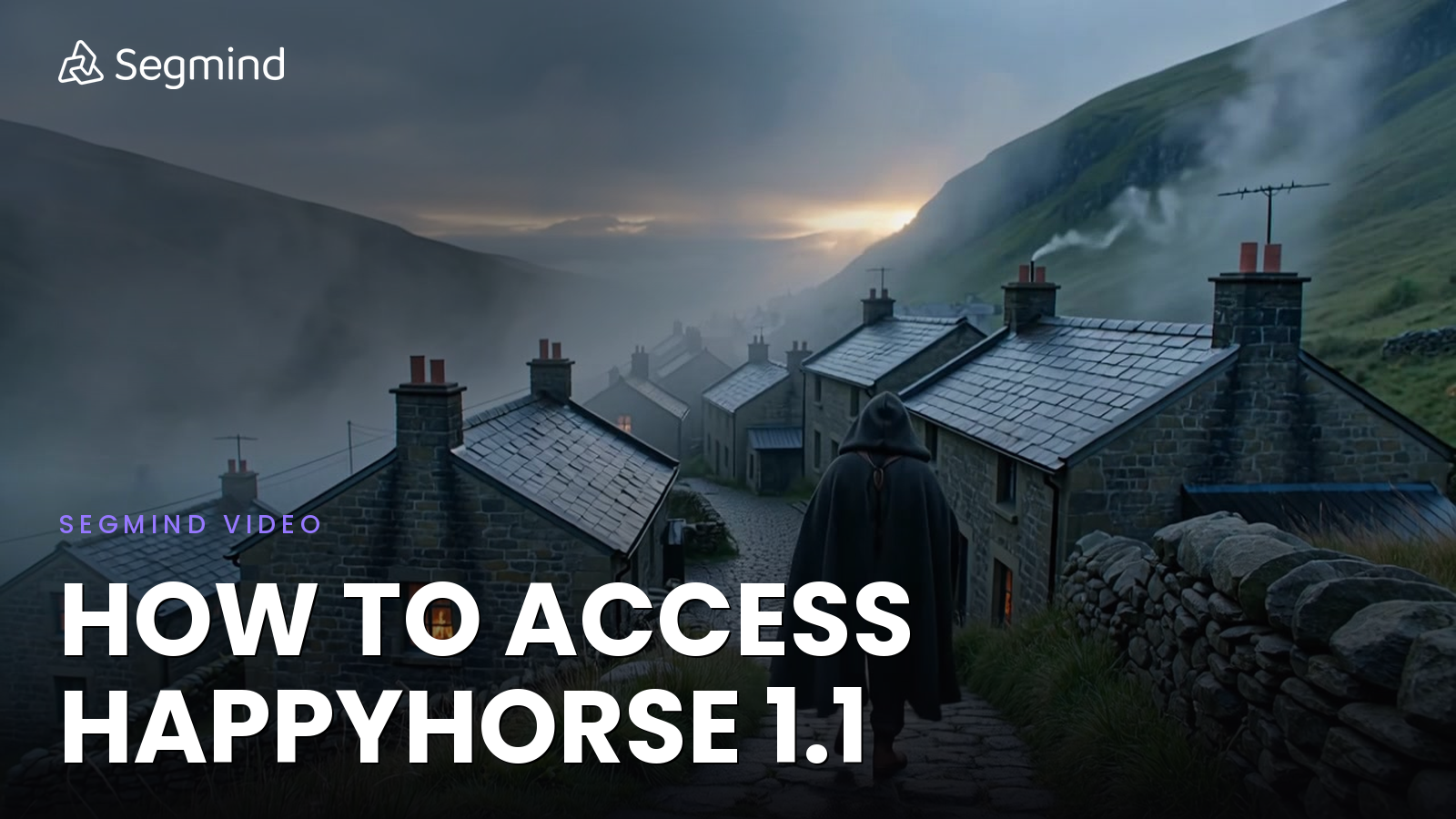
Search interest for "how to access HappyHorse 1.1" spiked the moment Alibaba pushed the 1.1 update, and most of that traffic still lands on first-party surfaces that gate the model behind a regional login, a waitlist, or a payment method that does not always accept international cards. If you came here trying to actually call the model today, that gating is the whole problem.
I rebuilt my own access path through Segmind to skip all of it, and this post walks through exactly what I did. By the end you will know the three production-ready ways to call HappyHorse 1.1, what each one costs, and which route fits the job in front of you. I spent under $3 in test credits proving it out, and every clip in this post is real output from the model.
Want to start now? Open HappyHorse 1.1 on Segmind and try it via API, playground, or PixelFlow.
TL;DR
- Three access routes: HappyHorse 1.1 is live on Segmind via API, web playground, and PixelFlow. There is nothing to deploy.
- Three modes, one endpoint: the
happyhorse-1.1slug auto-detects text-to-video, image-to-video, and reference-to-video from your payload. - Reference-to-video is the headline: pass up to nine reference images to lock a character, product, or style across scenes.
- Native audio: video and synchronized audio are generated together in one pass. You cannot upload your own audio track.
- Cost: 720P runs $0.14 per second, 1080P runs $0.18 per second. A 5 second 720P clip is $0.70, and 1080P is cheaper here than it was on 1.0.
What Is HappyHorse 1.1?
HappyHorse 1.1 is Alibaba's unified video-and-audio generation model, built by the Taotian Future Life Lab as the successor to HappyHorse 1.0, the model that topped the Artificial Analysis Video Arena for both text-to-video and image-to-video. Unlike pipelines that bolt dubbing on in post, HappyHorse generates video and synchronized native audio together in a single pass, so dialogue, ambience, and on-screen action line up from the first frame. It also delivers multilingual lip-sync across languages like English, Mandarin, Japanese, Korean, German, and French.
The 1.1 release is a quality pass on the things that made 1.0 outputs feel synthetic: stiffer character motion, subjects that drifted between frames, and over-sharpened detail. Version 1.1 improves semantic understanding, cinematic shot control, dynamic motion rendering, and subject consistency, so runs, turns, and physical actions read as more natural. On top of that it adds reference-to-video with up to nine reference images, and 1080P delivery at a lower price than 1.0.
On Segmind it lives at the slug happyhorse-1.1. The model auto-detects three modes from your payload: send a prompt alone for text-to-video, add an image first frame for image-to-video, or pass reference_images for reference-to-video. Outputs render at 720P or 1080P, in durations from 3 to 15 seconds, across 16:9, 9:16, 1:1, 4:3, and 3:4. The earlier HappyHorse 1.0 model stays live and unchanged on its own slug, so nothing you already built breaks.
3 Ways to Access HappyHorse 1.1 on Segmind
The three questions I keep hearing from founders who land on the model page are always the same: do I need to deploy anything, do I have to write code, and is there a web playground I can show a client. The answer to all three is that you pick whichever route below matches how your team works.
Route 1: API (for developers)
The fastest route if you already have a backend. The v2 API is asynchronous: you submit a job, get back a request_id, and poll until the video is ready. Here is the minimum working call for text-to-video:
# Python: text-to-video on the v2 async API
import requests, time

API_KEY = "YOUR_API_KEY"
HEADERS = {"x-api-key": API_KEY}

# 1) Submit the job. It returns immediately with a request_id.
submit = requests.post(
    "https://api.segmind.com/v2/happyhorse-1.1",
    headers=HEADERS,
    json={
        "prompt": "A lone traveler walks up a foggy cobblestone path at dawn, cinematic, slow locked-off camera, ambient wind.",
        "resolution": "720P",
        "duration": 6,
        "aspect_ratio": "16:9",
        "prompt_extend": True,
        "watermark": False
    }
).json()

request_id = submit["request_id"]
poll_url = submit["poll_url"]   # https://api.segmind.com/v1/requests/{request_id}

# 2) Poll until the job finishes, then read the output URL.
while True:
    result = requests.get(poll_url, headers=HEADERS).json()
    if result["status"] in ("COMPLETED", "FAILED"):
        break
    time.sleep(5)

video_url = result["output"]   # public MP4 URL
print(video_url)
The mode is selected by what you send, not by a flag. Add an image URL and the same endpoint runs image-to-video. Add a reference_images array and it runs reference-to-video. Three things to know before your first call:
- The v2 endpoint is asynchronous. The submit call returns a
request_idand apoll_urlright away, so there is no long-held connection to time out. Poll thepoll_urluntilstatusisCOMPLETED, then read the MP4 link from theoutputfield. A 720P clip is typically ready in one to two minutes. durationaccepts whole seconds from 3 to 15. Values below 3 are rejected.aspect_ratioapplies to text-to-video and reference-to-video. For image-to-video it is ignored, because the first frame sets the shape.
Grab your key from the Segmind console and put it in the x-api-key header on every request. The full parameter list lives on the HappyHorse 1.1 API page.
Route 2: Web playground (for non-developers and demos)
If you are a marketing lead or a creative director who just wants to try real prompts before involving engineering, open the model page and use the in-browser playground. No SDK, no API key in a terminal, just a prompt box, the same parameter panel exposed by the API (resolution, duration, aspect ratio, a first-frame slot, and a reference-images slot), and a render button. Generations bill against the same account balance you would use for the API, so the cost is identical. This is the route I use to show a client a live result in a meeting.
Route 3: PixelFlow (for no-code workflows)
The third route is the one I reach for most. PixelFlow is Segmind's no-code visual workflow builder. You break the creative process into steps, chain multiple models together, and reuse the whole pipeline as a repeatable workflow. The benefit is composition: you can feed an image model's output straight into HappyHorse 1.1 as a first frame, then run the result through an upscaler or a captioning step, all in one canvas. When the flow is ready you can publish the entire thing as a single API with the workflow-to-API feature. PixelFlow templates are a clean starting point if you would rather not build from scratch.
What Can HappyHorse 1.1 Generate? 4 Real Examples
I burned $2.94 in test credits across four production-style generations spanning the three industries I work with most, and all three input modes. Inputs, prompts, and outputs are below. Read each prompt callout to see exactly how it was set up.
Example 1: Vertical Product Reveal for a Marketing Agency (text-to-video)
Every paid social slot worth running today is vertical, so I generated this one at 9:16 for TikTok, Reels, Stories, and Spotlight. The prompt asks for a slow product hero with cinematic lighting and a subtle ambient bed.
Parameters mode: text-to-video | resolution: 720P | duration: 5s | aspect_ratio: 9:16
HappyHorse 1.1 output: 720P 9:16 vertical product reveal with native ambient audio. 5 second clip, $0.70.
The rim light tracks the rotation correctly, which is the hard part. Earlier video models drift on highlights during motion and you usually have to relight in post. Here the reflection holds across the full clip, and the ambient bed is enough to send a client a draft without dropping in a stock track first.
Example 2: Cinematic Establishing Shot for a Film Studio (text-to-video)
This is the kind of plate a pre-visualization team rebuilds three or four times before a director signs off. I asked for a locked-off camera, which most generative video models quietly ignore.
Parameters mode: text-to-video | resolution: 720P | duration: 6s | aspect_ratio: 16:9
HappyHorse 1.1 output: 720P 16:9 cinematic establishing shot with ambient audio. 6 second clip, $0.84.
The camera actually holds its lock instead of slow-drifting, the chimney smoke and mist move independently, and the traveler's gait reads as a real walk cycle rather than a slide. For a pre-vis frame to discuss blocking in a director's meeting, this clears the bar.
Example 3: Image-to-Video Product Animation (image-to-video)
Image-to-video is the route to use when you already have a brand asset and need it to move. I generated a clean product still first, then passed it as the first frame so HappyHorse 1.1 animates the exact bottle rather than inventing a new one. Inputs before outputs, always.
First Frame (input image, sent as image)

The static first frame passed to image-to-video mode.
Parameters mode: image-to-video | resolution: 720P | duration: 5s | image: first-frame URL
HappyHorse 1.1 output: image-to-video from the static frame above. 720P, 5 second clip, $0.70.
The bottle's geometry, color, and gold collar stay faithful to the input while the light and reflections come alive. This is the difference between image-to-video and text-to-video for product work: you keep the exact asset your client signed off on instead of rolling the dice on a fresh generation.
Example 4: Character-Consistent Clip for a Production House or MCN (reference-to-video)
Reference-to-video is the flagship 1.1 capability and the one I was most curious about. I gave it a single character reference image and asked for a different action than the still. The test is simple: does the same person come out the other side?
Reference Image (sent in reference_images)

A single character reference, passed to reference-to-video to anchor identity.
Parameters mode: reference-to-video | resolution: 720P | duration: 5s | aspect_ratio: 9:16 | reference_images: 1
HappyHorse 1.1 output: reference-to-video, same character in a new action. 720P 9:16, 5 second clip, $0.70.
The hair, apron, shirt, and face carry over from the reference into a brand-new motion. For a production house or MCN running a recurring character across dozens of short-form clips a month, that is the whole game: you stop re-casting the same face every episode. Pass up to nine reference images to anchor a character, an environment, a style, and a product all at once, and you have the makings of a consistent series from one endpoint.
How Much Does HappyHorse 1.1 Cost on Segmind?
Pricing is keyed to resolution and scales linearly with duration. These are the exact rates, and they match what I was billed on every test call above to the cent.
| Configuration | 720P ($0.14/sec) | 1080P ($0.18/sec) |
|---|---|---|
| 3 seconds | $0.42 | $0.54 |
| 5 seconds | $0.70 | $0.90 |
| 8 seconds | $1.12 | $1.44 |
| 10 seconds | $1.40 | $1.80 |
| 15 seconds | $2.10 | $2.70 |
Two things to notice. Cost is flat per second within a resolution tier, so an 8 second clip is exactly the price of a 5 second one plus three more seconds. And 1080P on 1.1 is cheaper than it was on 1.0, so the upgrade to delivery-grade output costs you less than before. Native audio is included in those numbers, not a separate line item.
One gate to know about: when you make a call, Segmind reserves the model's average cost up front, not the cheapest possible cost. If your balance dips below that reservation floor you can get a 406 response before the prompt is ever processed, even on a call that would have cost less. Keep your balance above roughly $10 and this never bites. You can see the live rates on the HappyHorse 1.1 pricing page.
Common HappyHorse 1.1 Access Issues and How to Fix Them
- The HTTP 406 surprise. If your account balance is below the average-cost reservation, the gate fails before generation starts. Top up so your balance sits above $10.
- Duration under 3 seconds. The minimum is 3 seconds. A 1 or 2 second request is rejected. If you want a shorter beat, generate at 3 seconds and trim in your editor.
- Expecting to upload your own audio. HappyHorse 1.1 generates its own native audio. It does not accept an external MP3 or WAV to drive lip-sync, so describe the audio you want in the prompt instead.
- aspect_ratio doing nothing in image-to-video. That is expected. When you send an
image, the first frame sets the aspect ratio and the parameter is ignored. Set the shape by cropping your input. - Wrong mode firing. The mode is inferred from your payload. If you meant text-to-video but left a stray
imageorreference_imagesfield populated, you will get image-to-video or reference-to-video instead. Send only the fields for the mode you want.
Where HappyHorse 1.1 Works Best and Where It Falls Short
Where it wins: character and product consistency through reference-to-video, native audio that is genuinely better than silence for a first draft, multilingual lip-sync without a separate dubbing pass, and motion that holds together across the clip. The single-endpoint, mode-by-payload design also makes it easy to wire into a pipeline.
Where it falls short: you cannot bring your own audio or a specific voice, so tightly art-directed sound design still belongs in post. Long, multi-shot narratives in a single call are not its strength, so storyboard scene by scene and stitch. And like any reference model, identity preservation is strong but not pixel-perfect, so for hero shots that need exact likeness you will still want a human review pass.
FAQs
How do I access HappyHorse 1.1?
Three routes are live on Segmind: the API, the in-browser playground, and PixelFlow. Sign up, top up at least $10, and you can call the model in your first session with no deployment.
Is HappyHorse 1.1 free?
No. There is no automatic signup credit on Segmind. The flexible plan starts at $0 with a $10 minimum top-up, and a 5 second 720P clip costs $0.70.
How long does a HappyHorse 1.1 generation take?
In my testing a 5 to 6 second 720P clip was ready in roughly one to two minutes. The v2 API is asynchronous, so you submit the job, get a request_id back immediately, and poll until the status is COMPLETED.
Can I upload my own audio for lip-sync?
No. HappyHorse 1.1 generates its own synchronized native audio. It does not accept an external audio file to drive lip-sync, so put dialogue and ambience cues in the prompt.
How many reference images can HappyHorse 1.1 use?
Up to nine. Use them to anchor characters, environments, style, and products so they stay consistent across scenes in reference-to-video mode.
How is HappyHorse 1.1 different from 1.0?
1.1 adds reference-to-video with up to nine images, improves motion, consistency, and detail, and delivers 1080P at a lower price than 1.0. The 1.0 model stays live on its own slug, so existing integrations keep working.
Conclusion
Accessing HappyHorse 1.1 comes down to matching the route to how your team creates. Developers call the API and let the payload pick the mode, creative leads test prompts in the playground, and production teams compose repeatable pipelines in PixelFlow. Across four real clips covering text-to-video, image-to-video, and reference-to-video, I spent under $3 and got social-ready, pre-vis-ready, and character-consistent output without touching a waitlist.
Start with one or two short test prompts, check the quality, cost, and runtime against your use case, then decide whether API, playground, or PixelFlow is your path. Open HappyHorse 1.1 on Segmind and run your first generation today.