
Best Upscalers for Stable Diffusion Images in 2025
Discover the best upscalers for Stable Diffusion in 2025 to enhance image quality, resolution, and visual fidelity effortlessly.

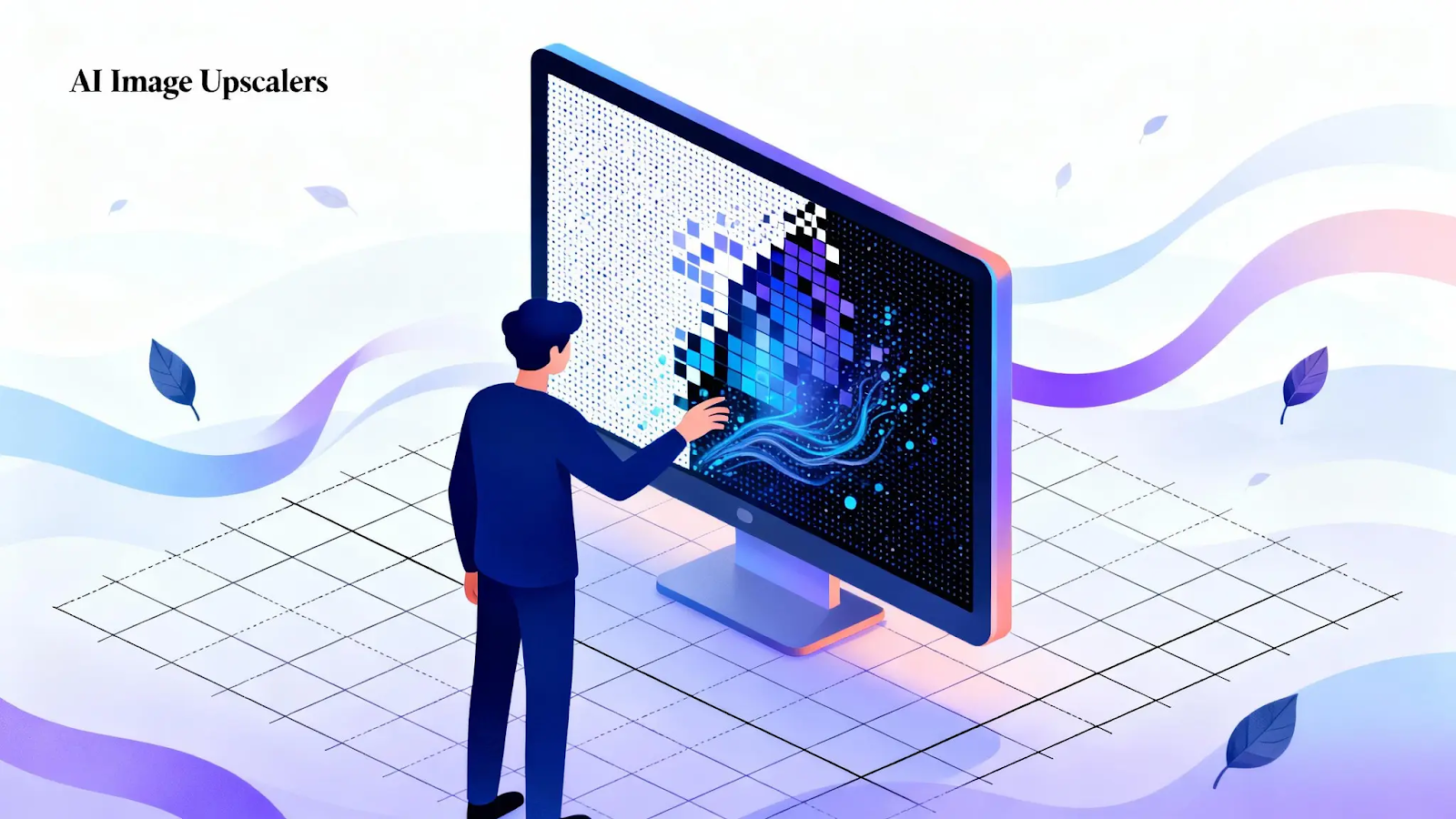
AI-generated images from Stable Diffusion can be stunning, but sometimes the output resolution or detail isn’t enough for professional use. That’s where image upscalers come in, designed to intelligently enhance resolution and sharpen details.
They transform standard AI images into crisp, high-quality visuals suitable for prints, marketing materials, or digital showcases. With advanced upscaling tools available today, creators can achieve remarkable clarity and depth without compromising the original style or artistic intent.
This blog will explore the best upscalers for Stable Diffusion, how they work, and tips for achieving the sharpest, most professional-quality AI images.
At a Glance:
- Discover the top Stable Diffusion upscalers in 2025 for sharper, high-resolution AI images with preserved textures and style.
- Learn how Nomos, ESRGAN, SUPIR, Clarity, and Lanczos enhance image detail and realism for professional outputs.
- Follow best practices for upscaling: clean images, staged enlargements, proper aspect ratios, and refinement passes.
- Segmind streamlines workflows, ensuring consistent quality, speed, and seamless integration for creatives.
- Choose the right model to maintain artistic intent, restore textures, and produce crisp, print-ready or digital-ready visuals.
Why Should You Upscale Stable Diffusion Images?
AI image generation has come a long way, but even high-quality models like Stable Diffusion often produce images that are limited in resolution. While a 512x512 or 768x768 output can look great on screens, it may fall short in professional or print applications.
Upscaling is essential to transform these outputs into high-resolution visuals without losing detail or clarity.
Here’s why upscaling matters in 2025:
- Preserve and Enhance Details: Modern upscalers refine textures, edges, and intricate features, keeping your images crisp and visually accurate.
- Professional-Grade Output: Upscaled images are suitable for print, marketing, portfolios, and large-format displays.
- Workflow Integration: Designers and creators can generate AI concepts, upscale them, and edit further in tools like Photoshop without compromising quality.
- Time and Resource Efficiency: Instead of re-generating higher-resolution images, upscaling saves time while maximizing the value of your existing outputs.
- Maintain Artistic Style: Advanced upscalers retain the original style and mood of the AI-generated image, preventing unwanted artifacts or distortions.
In short, upscaling bridges the gap between creative AI outputs and real-world applications. Whether for digital art, commercial campaigns, or cinematic visuals, it ensures your Stable Diffusion images are polished, high-resolution, and ready for any purpose.
Also Read: Stable Diffusion Background Replacement in AI Product Photography
Generate Stunning AI Images Fast with SSD-1B Today!
Top 5 Upscalers for Stable Diffusion Images in 2025
Upscaling has become an essential step in producing professional-grade, high-resolution visuals ready for print, web, and creative production. The right upscaler can enhance detail, restore texture, and preserve the unique aesthetic of Stable Diffusion outputs without compromising quality.
Below are the five most reliable upscalers for Stable Diffusion images this year:
1. Nomos Image Upscaler 4k (Segmind)
Segmind offers the Nomos Image Upscaler 4k as a general-purpose upscaling model tailored for a broad range of images, from casual shots to professional-grade renders. It’s designed to take your Stable Diffusion outputs and upscale them significantly, often up to 4X, while preserving detail and minimizing artifacts.
Key Features:
- Strong photographic fidelity: Performs particularly well on images with natural subjects (hair, faces, environments).
- Scales both small and large images: Works even with input images as small as ~300px while scaling up to high resolutions.
- API-ready and scalable: Provided via Segmind’s API/interface, making it easy to integrate into creative pipelines.
When to Use It: Choose Nomos when your Stable Diffusion image needs a reliable general upscaler for social posts, digital art, or moderate print. It shines when you need a balance of quality and speed, especially if you’re not pushing to extreme enlargement. Use it as a first pass upscaler, then if certain details (faces, textures) need extra attention, combine with specialty upscalers like Skin Contrast or Clarity for final refinement.
2. ESRGAN Upscaler
ESRGAN Upscaler is a deep-learning model based on the Enhanced Super-Resolution Generative Adversarial Network (ESRGAN) architecture. It focuses on reconstructing high-quality, realistic details from low-resolution images by learning natural textures and edges through adversarial training. Ideal for enhancing fine detail and recovering realism, ESRGAN is widely used across photography, game textures, and digital art restoration.
Key Features:
- Texture and detail restoration: Reconstructs lost details like hair strands, fabric weaves, and surface textures for more natural results.
- Reduced blur and smoothing: Maintains edge sharpness and minimizes over-smoothed or artificial-looking surfaces common in basic upscalers.
- High perceptual quality: Trained with perceptual loss functions that prioritize visual realism over pixel-perfect accuracy.
When to Use It: Choose ESRGAN when your goal is to enhance realism and texture fidelity in images that need more than a simple resolution boost. It’s particularly effective for digital art, anime frames, portraits, and scanned visuals requiring natural restoration. For creative pipelines, use ESRGAN as a refinement or final-stage upscaler after initial enlargement with a faster model (such as Nomos or Real-ESRGAN) to achieve photorealistic or texture-rich finishes.
3. SUPIR Upscaler
SUPIR Upscaler (Semantic Upscaling with Prior Image Restoration) represents a next-generation approach to image enhancement. Unlike conventional super-resolution models, SUPIR combines semantic understanding with prior restoration techniques to intelligently reconstruct missing details, delivering exceptional clarity and realism. It excels at handling extremely low-quality or compressed images by not only upscaling but also restoring them.
Key Features:
- Semantic restoration: Uses deep feature understanding to rebuild realistic textures, facial details, and complex surfaces.
- Handles heavy degradation: Effective on noisy, blurry, or artifact-heavy images, ideal for restoration and enhancement workflows.
- High structural fidelity: Retains accurate geometry and proportions while enhancing texture sharpness.
When to Use It: Choose SUPIR when working with heavily degraded, low-resolution, or old images that need both upscaling and restoration. It’s especially valuable for portraits, historical photos, and datasets with noise or compression issues. In creative pipelines, SUPIR can serve as a restoration-first model before refinement with specialized upscalers (such as ESRGAN for texture or Clarity for final polish).
4. Clarity Upscaler
Clarity Upscaler is designed for fine-detail enhancement and texture precision, making it a preferred choice for artists and professionals seeking crisp, polished results. It focuses on micro-level sharpness, surface clarity, and contrast refinement, ideal for final-stage upscaling or post-processing where image precision matters most.
Key Features:
- Enhanced sharpness and contrast: Brings out fine textures and edge details without introducing harsh artifacts.
- Natural detail refinement: Preserves realistic lighting and tonal balance while improving overall clarity.
- Ideal for close-up visuals: Excels on portraits, product renders, and macro-style imagery that require definition.
When to Use It: Choose Clarity when your image has already been upscaled but needs additional refinement or crispness. It’s ideal as the final pass in an image workflow, especially after models like Nomos or ESRGAN, to accentuate subtle details, improve texture depth, and prepare visuals for presentation or client delivery.
5. Lanczos Upscaler
Lanczos Upscaler uses a high-quality interpolation algorithm rather than a deep learning model. Known for its balance between sharpness and smoothness, the Lanczos method mathematically resamples pixels to enlarge images while minimizing aliasing and edge distortion.
It’s lightweight, fast, and consistent, making it suitable for quick previews or situations where deep learning upscalers are unnecessary.
Key Features:
- Mathematical interpolation: Uses sinc-based resampling to preserve edge definition and reduce blur during scaling.
- Stable and predictable: Produces consistent output without over-sharpening or artifact generation.
- Great for previews or web use: Works well for simple upscaling tasks where realism or texture reconstruction isn’t critical.
When to Use It: Choose Lanczos when you need a quick, reliable upscale without the overhead of AI-based models. It’s ideal for resizing images for web display, mockups, or batch processing tasks where speed and uniformity matter more than texture recovery.
For creative work requiring realism or restoration, it’s best used as a first-step scaler before refinement with AI upscalers like ESRGAN or Clarity.
Many of these upscalers are exposed as APIs or model endpoints on cloud platforms (including Segmind and similar providers). If you’re working on Segmind, try stitching a small test pipeline: generate with SSD-1B or your SD model → export a crop → run it through the chosen upscaler → review and post-process.
Also Read: Stable Diffusion with Zero Shot Learning for Image Transformation
Turn ordinary photos into polished headshots with Nano Banana!
Best Practices to Follow When Upscaling Stable Diffusion Images
Upscaling images generated by Stable Diffusion is about enhancing detail, preserving realism, and maintaining the artistic intent of the original image. Whether you’re preparing visuals for print, professional editing, or digital display, following structured upscaling practices ensures high-quality, artifact-free results.
Here are some of the best practices:
- Start with a Clean Base Image: Use the highest-quality Stable Diffusion output available before upscaling. Avoid noisy or distorted renders, as imperfections often get magnified during enlargement. If necessary, apply light denoising or use an AI restoration model before the first upscale.
- Choose the Right Upscaler for Your Goal: Different models serve different needs, like Nomos for balanced general use, ESRGAN for realistic textures, SUPIR for restoration, Clarity for fine detail, and Lanczos for quick previews. Match the upscaler to your project’s goal instead of relying on a single model for every task
- Upscale in Stages (If Needed): Instead of a single massive upscale (e.g., 4×), consider gradual steps, like 2× followed by fine-tuning with detail-oriented models. This layered approach preserves structure and prevents artifacts, especially in faces, fabrics, and complex backgrounds.
- Mind the Aspect Ratio and Composition: Ensure your aspect ratio remains consistent during upscaling to avoid stretching or distortion. If you plan to crop or recompose the image, do it before the upscale to maintain clarity in the final frame.
- Refine After Upscaling: After enlargement, inspect for any texture inconsistencies or over-sharpened regions. Use refinement passes with models like Clarity or Skin Contrast to subtly enhance sharpness, tone, and color balance for a final polished look.
- Preserve Output Quality with Proper File Settings: Export final images in lossless or high-quality formats (such as PNG or high-quality JPG) to retain visual integrity. Avoid repeated compression cycles that degrade detail.
Following these best practices makes your upscaling workflow structured, flexible, and quality-focused. With thoughtful model selection, staged refinement, and careful image management, Stable Diffusion upscales can achieve professional-grade sharpness and visual coherence across any creative application.
Also Read: Image-to-Video Models for Animating Stills and Scenes
Final Thoughts
For many AI creators, producing great Stable Diffusion images is only half the challenge. Upscaling them without losing detail, texture, or realism is the real test. Choosing the right model can mean the difference between a sharp, polished image and one full of artifacts.
Segmind makes this easier. With models like Nomos, ESRGAN, SUPIR, and Clarity, you have versatile, high-quality upscalers ready for every use case. Each model is fast, reliable, and easy to integrate into your workflow.
Whether enhancing portraits, restoring visuals, or preparing images for print, Segmind’s tools ensure consistent quality, save time, and maintain artistic intent.
Upscale smarter with Segmind and turn your Stable Diffusion images into crisp, professional-ready visuals.
Try The Latest AI Tools For Free On Segmind
Frequently Asked Questions
1. What makes R-ESRGAN 4x+ and Supir stand out for upscaling Stable Diffusion images?
R-ESRGAN 4x+ excels in enhancing textures and minimizing noise, particularly for complex portraits and anime, while Supir is valued for its lightweight, efficient upscaling suited to high-quality results without heavy computational demand.
2. How does SwinIR_4x differ from classic upscalers like Nearest or Lanczos?
SwinIR_4x uses advanced AI to preserve structure and detail in natural scenes, achieving smoother transitions and non-destructive results, compared to Nearest and Lanczos, which rely on pixel duplication and interpolation, sometimes causing blocky or blurry outcomes.
3. What limitations exist with the Stable Diffusion x4 Upscaler model?
Stable Diffusion x4 struggles with perfect photorealism, cannot render legible text reliably, and may underperform on highly challenging tasks or dense visual information, so careful prompt and model selection is crucial for specific use cases.
4. How can ComfyUI help build custom Stable Diffusion upscaler workflows?
ComfyUI allows users to design unique upscaler workflows with control over model checkpoints, LoRAs, and detail preservation via ControlNet nodes, giving full creative and technical control for tailored image enhancement and style adaptation.
5. What role does Stability AI’s Image Upscaling API play for enterprises and developers?
Stability AI’s API enables scalable, programmatic upscaling, supporting apps like Photoshop or Blender, and offering fast, detailed enlargement using either Real-ESRGAN for speed or Stable Diffusion for maximum texture and fidelity.