
5 Simple Ways Smarter Workflows Help You Beat Creative Blocks
Learn five simple ways smarter workflows help you beat creative blocks and stay productive. Discover how Segmind supports faster, more structured creativity.

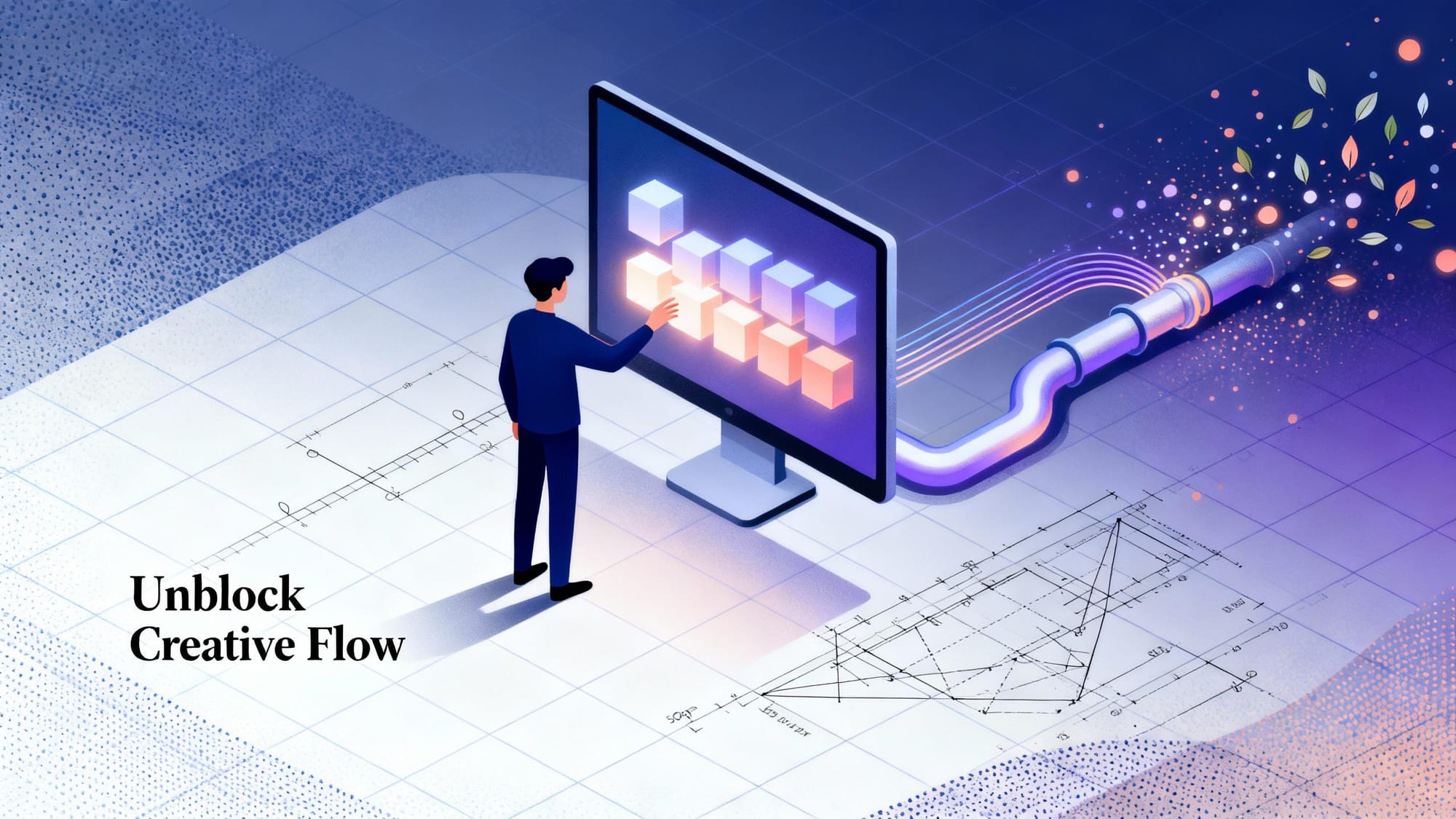
What makes creativity flow effortlessly some days, while on others, even simple tasks feel impossible?
In creative work, losing momentum is normal. Ideas slow down, decisions pile up, and projects stall when the process becomes unclear or overwhelming. That's exactly where structured systems can help.
This guide breaks down five simple ways smarter workflows help you beat creative blocks, regain clarity, and move from scattered thoughts to consistent output. You'll learn practical methods and modern workflow techniques, plus how platforms like Segmind make creative execution faster, smoother, and easier to repeat.
In a nutshell
- Creative blocks often appear when your process lacks structure and every step requires a fresh decision.
- Smarter workflows reduce mental load by giving you a predictable path from idea to output.
- Breaking projects into smaller, manageable steps helps you stay focused and build steady momentum.
- Reducing repetitive tasks frees up mental space so you can think clearly and create consistently.
- Segmind's workflow tools make it easier to organize stages, test ideas quickly, and keep your creativity moving.
Why Creative Blocks Happen And Why Workflows Solve Them
Creative blocks often appear when your mind is overloaded or your process becomes unclear. Too many decisions, scattered tasks, and constant context-switching drain your ability to think creatively. When the path forward isn't defined, even simple ideas feel harder to execute, and momentum slows down.
Why smarter workflows help:
- They reduce decision fatigue by giving you a clear sequence to follow.
- They break complex tasks into manageable steps.
- They automate repetitive work so your focus stays on ideas, not logistics.
- They help you maintain consistency and structure across projects.
With this foundation in place, let's explore how smarter workflows actually boost creativity and make it easier to stay in flow.
How Smarter Workflows Boost Creativity
Smarter workflows don't just organize your tasks; they actively support how your brain generates ideas. When the steps in your process are structured, your mind has more room to explore, experiment, and refine concepts without getting pulled into operational details.
How smarter workflows increase creativity:
- They establish a steady creative rhythm by defining when you ideate, generate, refine, and review, so your mind stays in the right mode longer.
- They support exploration through a controlled space where you can test prompts, styles, or variations without disrupting your main direction.
- They simplify multi-step creative work by visually mapping tasks, dependencies, and outputs, reducing uncertainty about what comes next.
- They maintain momentum by linking steps together, helping you move from draft to refinement without restarting the process each time.
Also Read: The Future of Creativity in the Age of AI
Now, let's look at five simple ways smarter workflows help you beat creative blocks and keep your ideas moving.
5 Simple Ways Smarter Workflows Help You Beat Creative Blocks
Smarter workflows bring clarity to your process, reduce unnecessary friction, and give your ideas room to develop. They help you stay focused, move through tasks more confidently, and generate creative momentum even on slow days.
Below are five practical ways smart workflows can help you overcome creative blocks:
1.Reduce Decision Fatigue with Clear, Repeatable Steps
Decision fatigue is a major trigger for creative blocks. When every task requires a new plan, your mental energy drains before you even start creating. Smart workflows solve this by providing a clear, repeatable structure you can rely on.
Instead of rebuilding your process each time, you follow a consistent sequence such as:
Plan - Generate - Refine - Deliver.
This rhythm removes unnecessary guesswork and keeps your mind focused on creative thinking, not task management.
With Segmind's PixelFlow, you can map out these steps visually. Its node-based interface lets you drag, connect, and organize different model blocks into a workflow you can reuse anytime. Once your process is laid out clearly, getting started feels lighter.
2.Spark New Ideas Through Guided Exploration
Creative block often comes from looking at the same idea from the same angle. Smart workflows help you explore variations and fresh perspectives in a structured way.
With Segmind's PixelFlow, you can access and combine models from Segmind's library of 500+ media models, including text-to-image, image-to-image, image-to-video, and audio models.
PixelFlow’s parallel processing power lets you branch your workflow into multiple paths and generate several outputs from a single input, giving you diverse creative directions instantly.
This kind of guided exploration helps you discover new possibilities without feeling overwhelmed or stuck.
Explore Segmind’s full model library and start creating.
3.Break Large Projects Into Manageable Micro-Workflows
Large creative projects can feel overwhelming when the steps aren't clear. Breaking them into micro-workflows makes progress more achievable and removes the pressure of "figuring everything out at once."
A big task becomes a series of simple stages:
Concept - Draft - Visualize - Iterate - Finalize.
When each stage is defined as a separate step, the entire project becomes easier to navigate. You always know what you're working on, what comes next, and how each piece contributes to the bigger picture.
This structure turns slow, uncertain progress into steady movement, one manageable action at a time.
4.Automate Repetitive Tasks So You Stay in the Creative Zone
Repetitive tasks pull you out of flow and make it harder to stay inspired. When too much of your time goes into routine steps instead of idea development, creative blocks surface more easily. Automating these smaller tasks helps you stay focused on the work that actually moves your project forward.
Tasks that are easy to automate inside a workflow:
- Organizing creative steps so you don't rebuild the process every time
- Triggering follow-up actions automatically when one step finishes
- Producing consistent outputs without manually repeating settings
- Managing version updates without starting the workflow from scratch
- Running predictable multi-step processes with a single click
When repetitive work runs on its own, you regain time and mental space, making it easier to stay focused, experiment more, and keep your creative momentum intact.
5.Prototype Faster to Keep Your Ideas Moving
One of the quickest ways to overcome a creative block is to produce an early version of your idea. Even a rough draft helps you evaluate direction, spot possibilities, and build momentum when you feel stuck.
With Segmind's PixelFlow, you can set up a clear sequence of steps that takes your idea from concept to an initial output in one run. Instead of repeating the same setup each time, your workflow handles the progression, letting you move quickly from one stage to the next without interruptions.
This streamlined approach makes it easier to build prototypes, test what works, and refine your ideas with confidence.
Read Next: Complete Guide to Pixelflow Utility Nodes for Image & Video AI Workflows
Best Practices for Building Smart Workflows
Smarter workflows work best when they're intentionally designed to support how you think and create. By setting up your system with clarity and purpose, you make it easier to stay consistent and avoid unnecessary creative slowdowns.
Here are a few best practices to help you build workflows:
- Start with the outcome in mind: Map your workflow backwards from the final deliverable so every step contributes to a clear result.
- Create modular steps: Break your workflow into sections you can reuse across multiple projects to save time.
- Document your process: Keep simple notes or a visual map so you can revisit or refine your workflow without guessing.
- Limit decision points: Reduce optional branches in your workflow so you stay focused instead of overthinking each step.
- Review and refine regularly: Adjust your workflow as your creative needs grow so it remains relevant and effective.
- Keep tools centralized: Try to run as much of your process as possible within one place to reduce tool-switching fatigue.
Let's see how these principles come together inside Segmind's PixelFlow, where workflows can be built visually and refined over time.
How PixelFlow Streamlines Your Creative Workflow?
Segmind’s PixelFlow gives you a visual, no-code way to structure your creative process using connected model nodes. It brings clarity, consistency, and speed to your projects by letting you design workflows exactly the way you work.
Here’s how PixelFlow supports your creative process:
- Build workflows visually: Drag and connect nodes to outline your process step by step, no coding required.
- Combine different model types: Connect text, image, audio, and other supported generative models in a single workflow.
- Run steps in sequence: Pass outputs from one node directly into the next to keep your process smooth and organized.
- Explore multiple directions in parallel: Use PixelFlow's parallel processing power to branch a single input into multiple model paths and compare creative outcomes instantly.
- Experiment with diffusion models: Try a wide range of diffusion models or bring your own custom model for personalized workflows.
- Turn workflows into APIs: Publish your completed workflow as an API and integrate it into your applications or production systems.
This structured approach helps you turn complex ideas into clear, repeatable workflows that support faster, more confident creative output.
Experience faster, clearer creative workflows with Segmind’s PixelFlow.
Final Thoughts
Staying creative is easier when your workflow works with you, not against you. With structured processes and the right tools, you can move past creative blocks and bring ideas to life with more speed and confidence.
Segmind gives creators and developers a streamlined way to build, refine, and scale their workflows using powerful AI models and a visual builder designed for efficiency.
Explore Segmind's models and start creating smarter, more consistent workflows.
FAQs
1.How do structured workflows help overcome creative blocks?
They reduce uncertainty by giving you a clear path to follow, making it easier to stay focused and move from one step to the next.
2.Why do smarter workflows improve creative consistency?
They eliminate unnecessary decisions and keep your process organized, helping you maintain steady progress even when inspiration dips.
3.Can Segmind's PixelFlow support complex creative tasks?
Yes. Segmind's PixelFlow lets you connect multiple AI models in sequence or in parallel, making it flexible for both simple and advanced workflows.
4.Do I need technical skills to use Segmind's PixelFlow?
No. Segmind's PixelFlow is a visual, no-code interface where you build workflows by dragging and connecting model nodes.
5.How do workflows speed up experimentation?
They let you test ideas in an organized structure, helping you explore variations, compare results quickly, and refine your direction without starting over.