
Wan 2.7 Video Edit is Now on Segmind: Transform Any Video with a Text Prompt
Wan 2.7 Video Edit lets you restyle any video via a simple API call. Claymation, anime, oil painting — all from a text prompt. Try it now on Segmind.

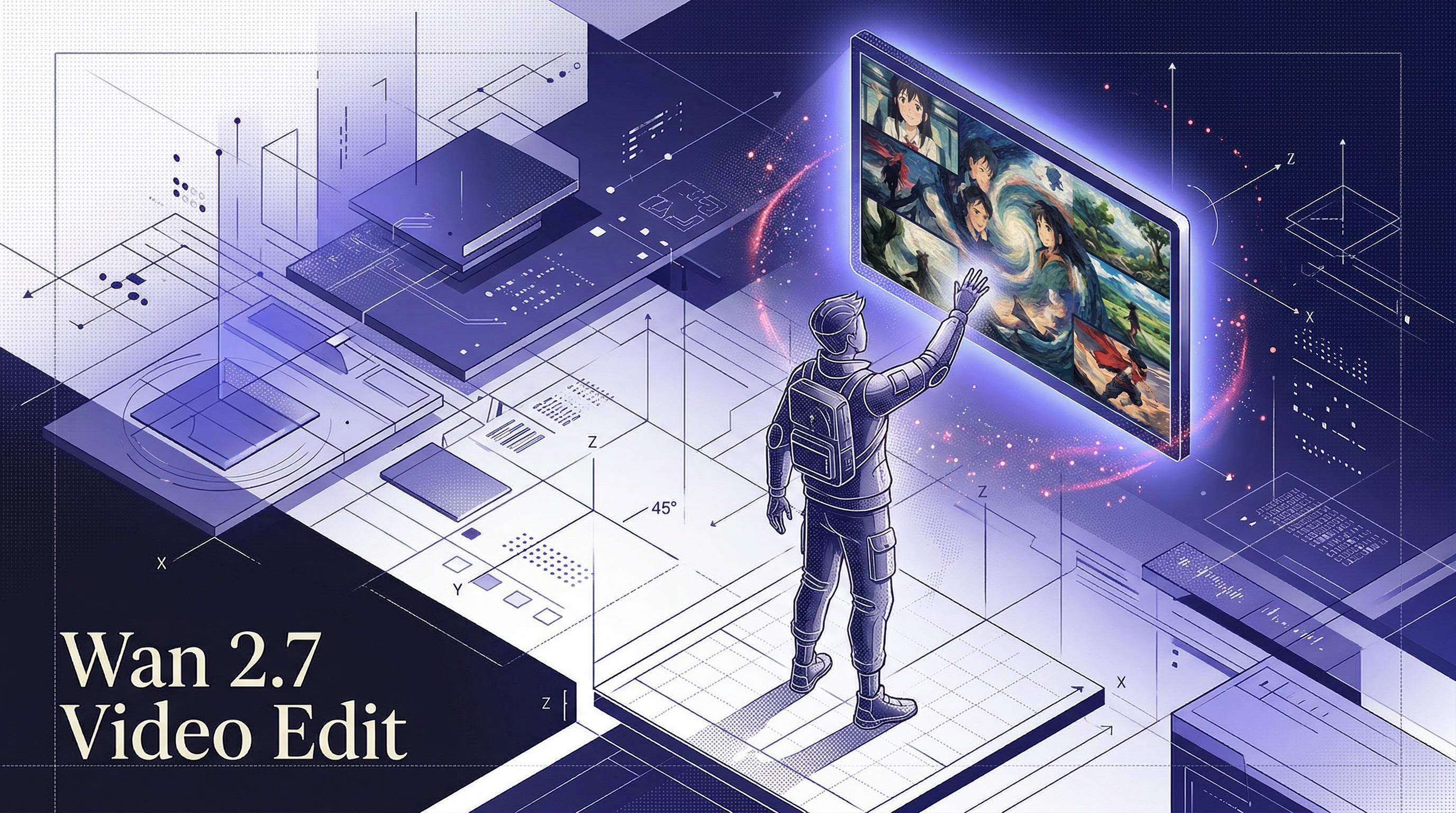
AI video editing used to mean learning complex software, spending hours in a timeline editor, or paying a post-production team. Wan 2.7 Video Edit flips that entirely. You give it a video and a text prompt, and it rewrites the visual style of every frame. Claymation, anime, oil painting, cyberpunk — the model handles the transfer. I ran it this week and I'm genuinely impressed by how cleanly it holds motion and structure while fully rethinking the aesthetic.
What is Wan 2.7 Video Edit?
Wan 2.7 Video Edit is a video-to-video style transfer model from the Wan team, built on DashScope's video generation backbone. Unlike text-to-video models that generate from scratch, this one takes an existing clip as input and applies a visual transformation guided by your text prompt. You keep the motion, pacing, and composition of your original footage — what changes is everything that makes it look the way it does. It supports 720P and 1080P output, accepts a negative prompt to push styles away from certain looks, and a seed parameter for reproducible outputs. At $0.625 per clip at 720P and $0.9375 at 1080P, it's priced for production-scale use.
What you can build
- Marketing agencies: Generate multiple visual variants of a product ad from a single source clip. Turn one video shoot into a claymation version, a watercolor version, and a live-action version — all without re-shooting. Run A/B tests on visual styles without additional production spend.
- Film studios and VFX teams: Use it for pre-visualization and mood boarding. Convert raw location footage into a painted oil-canvas look or a cyberpunk-neon treatment to pitch an aesthetic to a director before committing to a full grade. At 1080P, the output holds up for reference-quality previews.
- Production houses and MCNs: If you're producing at scale — 100 videos a month, 500, more — this unlocks stylistic consistency across large content libraries. Apply a signature look across a whole channel's back-catalog, or produce YouTube Shorts in an animated style without an animation team.
See it in action
Wan 2.7 Video Edit output — claymation style transfer example
Get started
Wan 2.7 Video Edit is live on Segmind right now. You can try it on the playground at segmind.com/models/wan2.7-videoedit or hit the API directly:
import requests

response = requests.post(
    "https://api.segmind.com/v1/wan2.7-videoedit",
    headers={"x-api-key": "YOUR_API_KEY"},
    json={
        "prompt": "Convert to anime animation style, vibrant colors, Studio Ghibli aesthetic",
        "video": "https://your-video-url.com/clip.mp4",
        "resolution": "720P"
    }
)

with open("output.mp4", "wb") as f:
    f.write(response.content)
The response is a binary MP4 — no polling, no webhooks, just the video. Keep input clips under 10 seconds for best results. Full parameter docs are on the model page.