
How to Use Claude Code + Segmind to Create Ads and Movie Visuals from Your Terminal
A step-by-step guide to pairing Claude Code with Segmind's image and video APIs. Includes a ready-to-use skill file for Seedance 2.0, Nano Banana 2, and more.

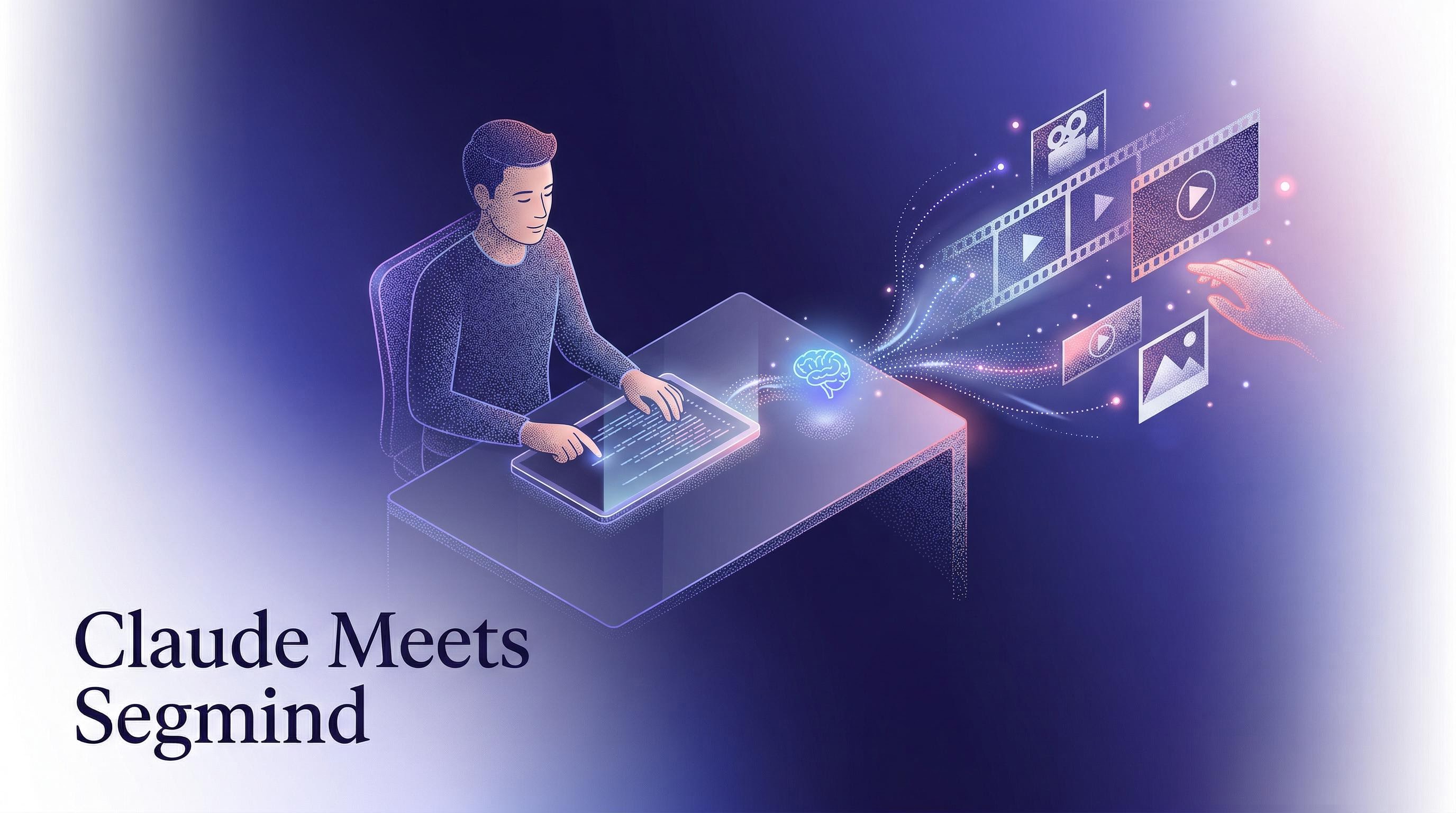
I've been using Claude Code as my daily driver for everything from writing emails to analyzing databases. But recently I started pairing it with Segmind's media generation APIs, and the combination is seriously powerful. Claude handles the creative thinking and orchestration while Segmind generates the actual images and videos. Together, they form a production pipeline that runs entirely from your terminal or IDE.
If you've used platforms like Higgsfield for AI video and image generation, you already know what these models can do. The difference here is access pattern: instead of working through a web UI with monthly subscriptions, you're calling the same models (including Higgsfield-native ones like Nano Banana Pro) directly via API, paying only for what you generate, with results returned synchronously — no polling, no webhooks, no queue management.
In this post, I'll walk you through exactly how to set this up: a Claude Code skill file that gives Claude direct access to Segmind's best image and video models. By the end, you'll have a working setup where you can say "generate a 15-second product ad for a coffee brand" and Claude will write the prompt, pick the right model, call the API, and save the output to your machine.
What we're building
A Claude Code skill file that teaches Claude how to use four Segmind models:
For images: Nano Banana 2 (fast, web-connected, great for iterating) and Nano Banana Pro (higher fidelity, better spatial reasoning, ideal for final assets).
For videos: Seedance 2.0 (highest quality, native audio sync, up to 15 seconds) and Seedance 2.0 Fast (about 36% cheaper per request, faster turnaround, perfect for drafts and iteration).
The skill file contains everything Claude needs: endpoint URLs, parameter specs, pricing, and usage guidelines. Once installed, Claude becomes a media production assistant that knows which model to pick for each use case and how to call the API correctly every time.
Why API access matters
Platforms like Higgsfield offer polished web UIs for generating images and videos. That's fine for one-off experiments, but it breaks down once you need to integrate generation into a pipeline, batch 50 ad variants, or automate a workflow that chains image generation into video. Higgsfield's API requires a $199/month Studio plan, and their docs are still catching up — developers report spending time reverse-engineering auth flows.
Segmind takes the opposite approach: API-first, pay-per-generation, no subscription. Every model has a machine-readable spec at segmind.com/models/{slug}/llms.txt that documents every parameter, valid value, and pricing tier. Responses come back synchronously — you POST a request, you get binary image/video data back. No polling endpoints, no webhook callbacks, no job queue to manage. For developers building with Claude Code, this means your entire generate → save → iterate loop happens in a single request-response cycle.
The skill file
Create a file called segmind-media.md in your project's .claude/skills/ directory (or in ~/.claude/skills/ for global access). Here's the complete file:
# Segmind Media Generation Skill

## Setup
Set your API key as an environment variable:
```
export SEGMIND_API_KEY="your_key_here"
```
Get your key at https://cloud.segmind.com

## Available Models

### Image Generation

**Nano Banana 2** (Fast, web-connected)
- Endpoint: https://api.segmind.com/v1/nano-banana-2
- Best for: Quick iterations, concept exploration, web-referenced visuals
- Cost: $0.06 (512px) | $0.08 (1K) | $0.12 (2K) | $0.16 (4K)
- Web search adds ~$0.015 per generation when enabled
- Unique: Set `web_search: true` to reference current trends/styles
- Parameters:
  - prompt (string, required)
  - aspect_ratio: auto, 1:1, 2:3, 3:2, 4:3, 3:4, 4:5, 5:4, 16:9, 9:16, 21:9, 1:4, 4:1, 1:8, 8:1 (default: 1:1)
  - output_resolution: 512px, 1K, 2K, 4K (default: 1K)
  - output_format: jpg, png (default: jpg)
  - thinking_level: minimal, high (default: minimal — use high for complex compositions)
  - safety_tolerance: 1-6 (default: 4)
  - image_urls: array of reference image URLs
  - web_search: true/false (default: false)
  - response_modalities: TEXT_AND_IMAGE, IMAGE (default: TEXT_AND_IMAGE)
  - seed: integer (default: 420875)

**Nano Banana Pro** (High fidelity, production quality)
- Endpoint: https://api.segmind.com/v1/nano-banana-pro
- Best for: Final ad creatives, hero images, complex compositions
- Cost: $0.15 (1K/2K) | $0.25 (4K)
- Stronger spatial reasoning and text rendering than Nano Banana 2
- Parameters:
  - prompt (string, required)
  - aspect_ratio: 1:1, 2:3, 3:2, 4:3, 3:4, 4:5, 5:4, 16:9, 9:16, 21:9 (default: 16:9)
  - output_resolution: 1K, 2K, 4K (default: 4K)
  - output_format: jpg, png (default: jpg)
  - response_modalities: TEXT_AND_IMAGE, IMAGE (default: TEXT_AND_IMAGE)
  - image_urls: array of reference image URLs

### Video Generation

**Seedance 2.0** (Highest quality, native audio)
- Endpoint: https://api.segmind.com/v1/seedance-2.0
- Best for: Final production videos, audio-synced content, cinematic shots
- Cost: ~$1.21 per video
- Duration: 4, 5, 6, 8, 10, 12, or 15 seconds (default: 10) — note: not all integers in range are valid
- Resolution: 480p, 720p (default: 720p)
- Native audio generation (dialogue, ambient, music)
- Synchronous API: video binary returned directly in response body — no polling required
- Parameters:
  - prompt (string, required)
  - duration: 4, 5, 6, 8, 10, 12, 15
  - resolution: 480p, 720p
  - aspect_ratio: 16:9, 9:16, 1:1, 4:3, 3:4, 21:9, adaptive (default: 16:9)
  - generate_audio: true/false (default: true)
  - first_frame_url: image URL to anchor starting frame
  - last_frame_url: image URL for ending frame
  - reference_images: array of image URLs
  - reference_videos: array of video URLs
  - reference_audios: array of audio URLs
  - seed: integer (-1 to 2147483647, default: 42)
  - return_last_frame: true/false (default: false)

**Seedance 2.0 Fast** (Quick drafts, ~36% cheaper)
- Endpoint: https://api.segmind.com/v1/seedance-2.0-fast
- Best for: Storyboard drafts, rapid iteration, previewing concepts
- Cost: ~$0.77 per video
- Duration: 4-15 seconds (default: 5) — same valid values as Seedance 2.0
- Resolution: 480p, 720p (default: 720p)
- Same parameters as Seedance 2.0 but generate_audio defaults to false

## How to call these APIs

```python
import requests, os

response = requests.post(
    "https://api.segmind.com/v1/{model_slug}",
    headers={"x-api-key": os.environ["SEGMIND_API_KEY"]},
    json={"prompt": "your prompt here", ...other_params}
)

# Check for errors
if response.status_code != 200:
    print(f"Error {response.status_code}: {response.text}")
else:
    # Images: save response.content as .jpg or .png
    # Videos: save response.content as .mp4
    with open("output.mp4", "wb") as f:
        f.write(response.content)
```

Common HTTP status codes:
- 200: Success (binary data in response body)
- 400: Invalid parameters — check param values against the spec
- 401: Invalid or missing API key
- 406: Insufficient credits — top up at cloud.segmind.com
- 429: Rate limit exceeded — back off and retry

## Model selection guide

| Use case | Model | Why |
|----------|-------|-----|
| Quick concept art | Nano Banana 2 | Fast, cheap, good for brainstorming |
| Final ad creative | Nano Banana Pro | Best quality, accurate text rendering |
| Storyboard preview | Seedance 2.0 Fast | Quick video drafts at low cost |
| Final video asset | Seedance 2.0 | Cinematic quality with synced audio |
| Web-referenced design | Nano Banana 2 | web_search pulls current visual trends |
| Character-consistent video | Seedance 2.0 | reference_images maintain identity |
| Product photography | Nano Banana Pro at 4K | Highest detail for commercial use |
| Social media reels | Seedance 2.0 Fast, 9:16 | Fast vertical video generation |
| Ultra-wide cinematic pano | Nano Banana 2, 8:1 | Extreme aspect ratios for banners |

## Workflow patterns

**Image-to-video pipeline:** Generate a hero image with Nano Banana Pro,
then pass its URL as first_frame_url to Seedance 2.0 to animate it.

**Iteration workflow:** Start with Nano Banana 2 for quick concepts,
refine the best one with Nano Banana Pro, then animate with Seedance 2.0 Fast
for preview, and finally render with Seedance 2.0 for production.

**Ad campaign batch:** Use Nano Banana 2 with different aspect ratios
(1:1 for Instagram, 9:16 for Stories, 16:9 for YouTube) from the same
prompt to generate a full creative set in one pass.

## Budget guidelines
- Keep image iterations under $2 per concept (use Nano Banana 2 at 1K)
- Use Seedance 2.0 Fast for all previews before committing to 2.0
- A typical ad package (5 images + 2 videos) costs roughly $3-5
Copy everything between the markers above into your skill file. That's it for the setup.
Step-by-step setup guide
Step 1: Get your Segmind API key
Head to cloud.segmind.com and create an account if you don't have one. Your API key is in the dashboard under API Keys. Free credits are included to get started.
Set it as an environment variable so Claude can access it:
export SEGMIND_API_KEY="SG_your_key_here"
Add this to your .bashrc or .zshrc so it persists across sessions.
Step 2: Install the skill file
Claude Code reads skill files from .claude/skills/ in your project directory, or from ~/.claude/skills/ for global access across all projects.
# For a specific project
mkdir -p .claude/skills
# paste the skill content into .claude/skills/segmind-media.md

# Or globally
mkdir -p ~/.claude/skills
# paste into ~/.claude/skills/segmind-media.md
Step 3: Start using it
Open Claude Code in your project and start asking for media. Claude reads the skill file automatically and knows exactly how to call each API. Here are some examples of what you can say:
"Generate a product shot of a premium coffee bag on a marble countertop, morning light, 4K"
Claude will pick Nano Banana Pro (because you asked for production quality at 4K), write an optimized prompt, call the API, and save the image to your working directory.
"Create a 10-second cinematic ad for a luxury watch brand, slow camera pan, dramatic lighting"
Claude will use Seedance 2.0 (because it's a final production video that needs cinematic quality), set the duration to 10 seconds, enable audio generation, and save the MP4.
"I need 5 different ad concepts for a fitness app launch. Quick drafts, don't spend too much."
Claude will use Nano Banana 2 at 1K resolution (fast and cheap for iteration), generate 5 variations, and keep the total cost under $0.50.
"Take this hero image I just made and turn it into a 5-second animated video for Instagram Reels"
Claude will pass the image URL as first_frame_url to Seedance 2.0 Fast with 9:16 aspect ratio, giving you a vertical video that starts from your exact image.
The image-to-video pipeline
This is where things get really interesting. The skill file includes workflow patterns, and the most powerful one chains image generation into video generation.
Say you're producing an ad for a skincare brand. You tell Claude:
"Generate a close-up product shot of a glass serum bottle with golden liquid, soft studio lighting, then animate it into a 5-second ad with the liquid catching light as the camera slowly orbits."
Claude will:
1. Generate the hero image with Nano Banana Pro at 4K ($0.25)
2. Pass that image URL as first_frame_url to Seedance 2.0 ($1.21)
3. Save both files to your directory
Total cost: $1.46 for a production-quality image and matching video. Try doing that through Higgsfield's UI — you'd be clicking through forms and manually downloading each output. Here, it's a single natural language instruction and two API calls that Claude chains together automatically.
Segmind API vs. Higgsfield: what developers should know
If you're evaluating where to run these models, here's the practical difference. Higgsfield is a solid creative platform — it offers a polished UI, Cinema Studio for character control, and a growing library of 40+ tools. For someone who wants to point-and-click their way to a single video, it works well.
But the moment you need programmatic access, the picture changes. Higgsfield gates API access behind their Studio plan at $199/month, and their documentation is still maturing. Segmind offers the same underlying models — including Higgsfield-native models like Nano Banana Pro and Seedance — on a pure pay-per-use basis. No monthly commitment, no minimum spend.
The technical architecture is different too. Segmind's API is fully synchronous: you send a POST, you get binary media back in the same response. Most video APIs (including third-party wrappers around these models) use async job queues where you submit a job, poll a status endpoint, then download the result. The synchronous pattern is dramatically simpler to integrate, especially when you're chaining calls inside Claude Code or building automated pipelines.
For developers and teams who already use Higgsfield's UI for exploration, Segmind's API is the natural next step when you need to scale from creative experimentation to production pipelines.
Real use cases I've seen work well
Ad agencies producing creative variants. A single creative director using Claude + Segmind can generate 50 ad concepts in an afternoon: different products, angles, lighting, copy overlays. Use Nano Banana 2 for rapid exploration, then render the top 5 with Nano Banana Pro. Total spend: under $10.
Film pre-visualization. Before committing to expensive shoots, directors can generate storyboard frames with Nano Banana Pro and animate key scenes with Seedance 2.0. Claude understands cinematic language: shot types, camera movements, lighting setups. Describe a scene the way you'd brief a cinematographer and the output matches.
Social media content at scale. MCNs managing 20+ channels need fresh content daily. A PixelFlow-style workflow through Claude: write the hook, generate the thumbnail with Nano Banana 2, create a 15-second teaser with Seedance 2.0 Fast, all from a single prompt. At $0.77 per video, producing 100 teasers a week costs under $80.
Product launches. A startup launching a new product can generate the entire visual kit from Claude: hero image (Nano Banana Pro, 4K), social media variants (Nano Banana 2, multiple aspect ratios), product demo video (Seedance 2.0 with the hero as first frame), and social teasers (Seedance 2.0 Fast). All consistent, all from the same creative direction, all for under $10.
Tips for getting the best results
Be specific with prompts. "A coffee shop" gives you generic results. "Close-up of a latte art being poured in a minimalist Scandinavian cafe, morning sunlight through floor-to-ceiling windows, shot on a 50mm lens" gives you something you can actually use.
Use the iteration workflow. Don't jump straight to the expensive models. Generate 3-4 concepts with Nano Banana 2 at 1K, pick the one with the best composition, then re-render it with Nano Banana Pro at 4K. You'll save money and get better results because you're refining before committing.
Use thinking_level for complex prompts. Nano Banana 2's thinking_level parameter defaults to "minimal" which is fine for straightforward prompts. Switch to "high" when your prompt involves complex spatial relationships, multiple subjects, or specific text rendering — it costs the same but produces more accurate compositions.
Chain images into videos. Seedance 2.0's first_frame_url parameter is incredibly powerful. Generate your perfect frame first, then animate it. This gives you much more control over the final video than text-to-video alone.
Use reference images for consistency. If you're creating a campaign with a recurring character or product, pass reference images to maintain visual consistency across all outputs.
Mind the valid durations. Seedance video durations only accept specific values: 4, 5, 6, 8, 10, 12, or 15 seconds. If you ask for 7 or 9 seconds, the API will return a 400 error. The skill file includes the valid values so Claude handles this automatically, but it's worth knowing if you're calling the API directly.
Set aspect ratios intentionally. Don't default to 16:9 for everything. Use 9:16 for Instagram Reels and TikTok, 1:1 for Instagram feed, 4:5 for Facebook, 21:9 for cinematic widescreen. Nano Banana 2 supports extreme ratios like 8:1 and 1:8 for banners and vertical strips. The skill file lists all supported ratios for each model.
Pricing breakdown for a typical project
Here's what a real ad campaign package costs with this setup:
5x concept exploration images (Nano Banana 2, 1K): 5 x $0.08 = $0.40
3x final hero images (Nano Banana Pro, 4K): 3 x $0.25 = $0.75
2x preview videos (Seedance 2.0 Fast, 5s): 2 x $0.77 = $1.54
1x final production video (Seedance 2.0, 10s): 1 x $1.21 = $1.21
3x social media image variants (Nano Banana 2, 2K): 3 x $0.12 = $0.36
Total: $4.26 for a complete campaign visual kit
Compare that to Higgsfield's Studio plan at $199/month — even if you only run one campaign, you've already saved 97% on platform costs alone.
That's the price of a coffee for what would traditionally cost thousands in production.
Get started
Everything you need is in the skill file above. Copy it, set your API key, and start creating. The models are live and ready to use right now.
If you want to verify any parameter details, every Segmind model publishes its full spec at segmind.com/models/{slug}/llms.txt — machine-readable documentation that stays current as models are updated.
If you're building something interesting with Claude + Segmind, I'd love to hear about it. Reach out on our Discord or drop me a note at rohit@segmind.com.