
AI Video Editing API: Wan 2.7 Video Edit Review, Real-World Use Cases 2026
Ran Wan 2.7 Video Edit across 5 real-world use cases for marketing agencies, film studios, and MCNs. Here's what the AI video editing API actually produces.

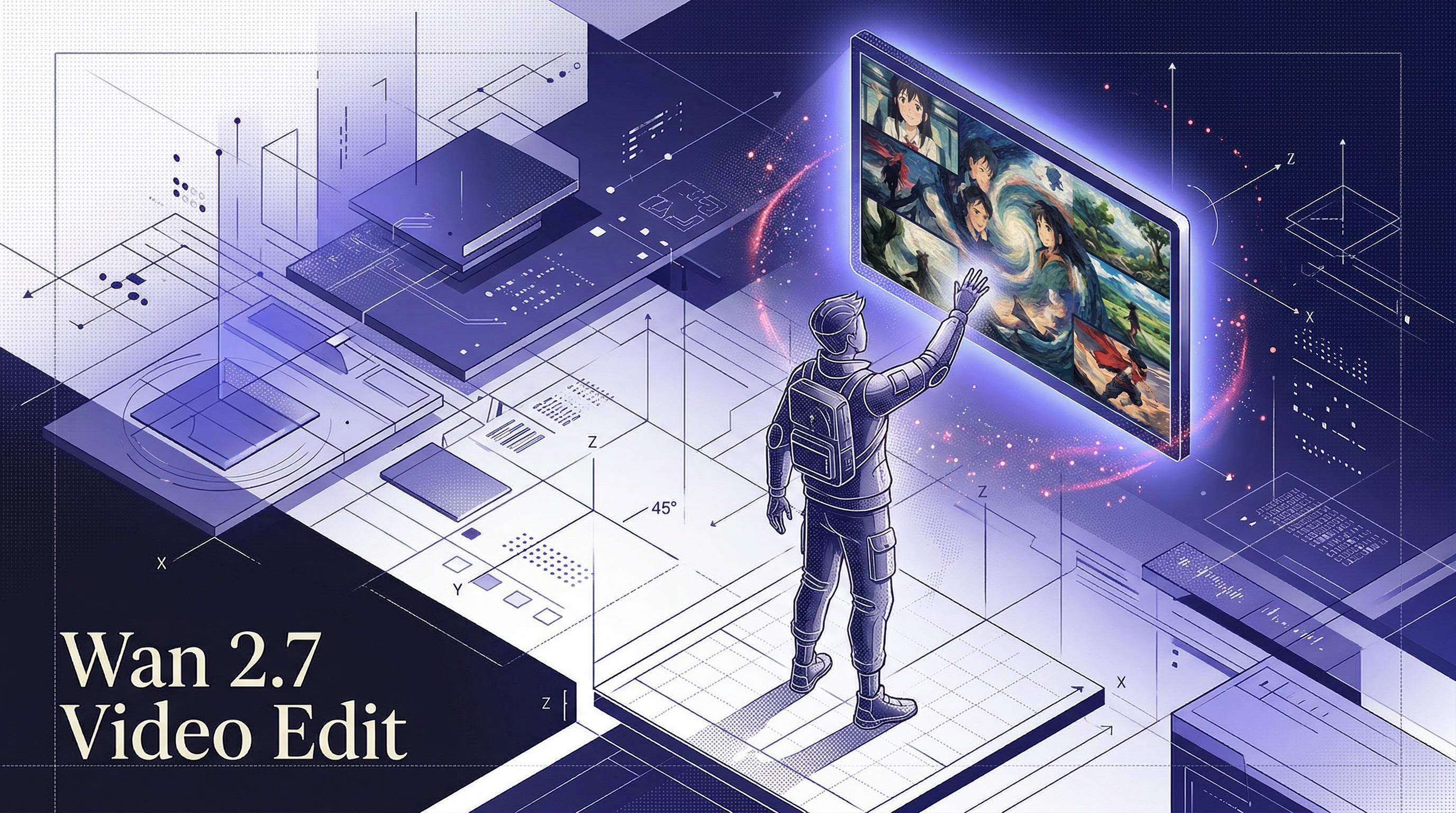
Search interest in "AI video generator" has been sitting at an index of 70-75 for the past three months with no sign of dropping. But most of that interest is chasing one narrow use case: generating video from scratch. The harder, more commercially useful problem — restyling footage you already have — has been largely unsolved at the API level. That's what Wan 2.7 Video Edit targets. I ran it across six test scenarios this week, covering marketing, film, and production house use cases, and I want to walk through what I found.
What is Wan 2.7 Video Edit?
Wan 2.7 Video Edit is a video-to-video style transfer model built on Alibaba's DashScope video generation infrastructure. It takes an existing video clip and rewrites its visual style based on a text prompt — preserving motion, timing, and structure while completely transforming the aesthetic. The model was developed as part of the Wan 2.x family, which has established itself as one of the more capable open-weight video generation lineages. Version 2.7 specifically focuses on editing rather than generation, which is a meaningful distinction: you're not asking it to imagine something, you're asking it to reinterpret something that already exists.
Technically, the model operates by aligning the temporal structure of your input clip with a diffusion-based style transfer process. It supports 720P and 1080P output resolutions, accepts both a positive prompt and a negative prompt for style guidance, and includes a seed parameter for reproducible results. Input clips must be publicly accessible via URL and under 10 seconds in duration at 720p or higher resolution. Response is synchronous and returns a binary MP4 — no async polling required.
Key Capabilities
Full visual restyle from a single text prompt. The core capability is genuinely broad. I tested claymation, anime, oil painting, cyberpunk neon, and watercolor — all from the same model endpoint. The style application is applied frame-to-frame with motion coherence, so movement reads naturally in the output.
720P and 1080P output. The resolution options matter for production use. At 1080P, the oil painting output I generated held fine detail in the texture while maintaining motion coherence — useful for reference-quality previews and short-form content. 1080P costs $0.9375 per clip versus $0.625 at 720P.
Negative prompts work. The negative prompt parameter genuinely changes output direction. In my watercolor test, adding "photorealistic, harsh shadows" pushed the output toward a softer, more impressionistic look. It's not as powerful as the positive prompt but it's a useful fine-tuning lever.
Seed-controlled reproducibility. Setting a seed produces deterministic output. I verified this with a seed=42 test — useful for A/B testing where you need to isolate prompt changes from random variation.
Wan 2.7 Video Edit output — oil painting style at 1080P
Use Case 1: Marketing Agencies
Search for "best ai video generator" is at index 36 in top queries and rising. What marketers are actually looking for isn't generation — they've shot their footage, they need variants. A product ad that goes out in five visual styles needs five renders, and traditional post-production charges per deliverable. Wan 2.7 Video Edit changes that math.
I ran the marketing test with a claymation prompt and a watercolor illustration prompt on the same source clip. The use case I was modeling: an agency with a client product video that needs to run across Instagram (polished, branded), TikTok (more playful, animated), and a YouTube pre-roll (differentiated look). Three style variants from one source video, each a single API call.
The claymation output produced exactly the kind of tactile, bright-colored aesthetic that performs well in toy, food, and consumer product categories on short-form platforms. The watercolor variant came out softer — better for wellness, beauty, or lifestyle brands where the visual softness matches the brand tone.
Claymation Style
Watercolor Style
Same source clip, two visual styles — each a single API call.
In Python, this is three lines per variant:
import requests

# Claymation variant
resp = requests.post(
    "https://api.segmind.com/v1/wan2.7-videoedit",
    headers={"x-api-key": "YOUR_API_KEY"},
    json={
        "prompt": "Convert the scene to claymation style, colorful and playful, bright textures",
        "video": "https://your-cdn.com/product-ad.mp4",
        "resolution": "720P"
    }
)

with open("product-ad-claymation.mp4", "wb") as f:
    f.write(resp.content)
The cost math for an agency: at $0.625 per 720P clip, five visual variants of a 10-second ad costs $3.12. A traditional VFX house would charge hours of work for the same output.
Use Case 2: Movie Making and Film Studios
Pre-visualization — "pre-vis" in production parlance — is one of the most time-consuming phases of film production. Directors and DPs need to communicate visual intent to a crew before a single light is set up. Wan 2.7 Video Edit slots into pre-vis workflows better than any text-to-video model I've tested, because it works with footage the team already has.
I ran a cyberpunk neon treatment and an oil painting cinematic treatment on the same clip. The cyberpunk output — neon lights, dark atmosphere, rain and glow — is the kind of thing a production team would use to sell a visual treatment to a studio executive before green-lighting the grade. The oil painting output shows a different aesthetic direction entirely: rich, textured, almost Rembrandt-lit.
Wan 2.7 Video Edit output — cyberpunk neon style transfer for film pre-visualization
import requests

# Film pre-vis: cyberpunk treatment
resp = requests.post(
    "https://api.segmind.com/v1/wan2.7-videoedit",
    headers={"x-api-key": "YOUR_API_KEY"},
    json={
        "prompt": "Transform into cyberpunk aesthetic, neon lights, dark atmosphere, futuristic rain and glow",
        "video": "https://your-cdn.com/location-scouting-clip.mp4",
        "resolution": "1080P"  # higher res for reference quality
    }
)

with open("previs-cyberpunk.mp4", "wb") as f:
    f.write(resp.content)
For studios, the value is in iteration speed. A director can say "make it more noir, less sci-fi" and get a new render in under three minutes. Compare that to commissioning concept art or doing a test grade in DaVinci Resolve — both of which take hours and require specialized skill. The 1080P output at $0.9375 per clip is genuinely economical for pre-vis budgets.
Use Case 3: Production Houses and MCNs
"Image to video AI" is running at index 17-18 in top queries, and "free video ai generator" is at 100. MCNs and high-volume production houses aren't chasing free tools — they're chasing speed and consistency at scale. If your channel posts daily and you want a signature animated look, you're either hiring an animation team or you're using an API.
I tested the anime style transfer specifically for this use case. The output — Studio Ghibli-adjacent, vibrant colors, clean linework — is the kind of stylistic treatment that defines a channel's visual identity. Apply it consistently across every upload and your brand becomes immediately recognizable in a feed.
Wan 2.7 Video Edit output — anime style for high-volume content production
import requests

# MCN batch processing: apply anime style to each clip
clip_urls = [
    "https://your-cdn.com/episode-100.mp4",
    "https://your-cdn.com/episode-101.mp4",
    # ...
]

for i, url in enumerate(clip_urls):
    resp = requests.post(
        "https://api.segmind.com/v1/wan2.7-videoedit",
        headers={"x-api-key": "YOUR_API_KEY"},
        json={
            "prompt": "Transform into anime animation style, vibrant colors, clean lines",
            "video": url,
            "resolution": "720P",
            "seed": 1337  # pin seed for consistent look across all clips
        }
    )

    with open(f"anime-episode-{100 + i}.mp4", "wb") as f:
        f.write(resp.content)

    print(f"Done: episode {100 + i}")
ROI framing: at $0.625 per clip, a channel posting 30 short clips per month spends $18.75 for a consistent stylized look across everything. The same visual consistency from a freelance animator would run hundreds to thousands per clip. The seed parameter is particularly useful here — pin a seed and every clip in a batch gets the same stylistic fingerprint, not random variation.
Developer Integration Guide
The API is straightforward. Here's a full working call with all supported parameters:
import requests

response = requests.post(
    "https://api.segmind.com/v1/wan2.7-videoedit",
    headers={"x-api-key": "YOUR_API_KEY"},
    json={
        "prompt": "Convert to claymation style, bright, playful",  # required
        "video": "https://your-cdn.com/source-clip.mp4",           # required — public URL, max 10s, min 720p
        "negative_prompt": "photorealistic, harsh, dark",           # optional — push style away from this
        "resolution": "720P",                                        # optional — "720P" (default) or "1080P"
        "seed": 42                                                   # optional — integer, for reproducibility
    }
)

# Response is binary MP4 — save directly
with open("output.mp4", "wb") as f:
    f.write(response.content)
Three things worth knowing from my testing. First, input videos must be publicly accessible via URL — the model's backend fetches them directly, so local files or authenticated URLs won't work. Upload to S3 or any public CDN first. Second, clips must be under 10 seconds. The model will reject longer clips with an error. Third, input resolution must be at least 720p (1280x720) — lower resolution clips return a 400. For batch processing, it makes sense to process clips in parallel using threading or async, since each call is independent and takes roughly 2-3 minutes per clip. Full docs at segmind.com/models/wan2.7-videoedit.
Honest Assessment
What it does very well: the style transfer is impressively broad. The same model handles claymation, anime, oil painting, and cyberpunk without separate fine-tuned versions — the prompt drives everything. Motion coherence is solid; frames don't flicker or lose structural continuity across the style transfer.
Where I'd push for improvement: processing time runs around 2-3 minutes per 3-second clip. For interactive workflows where a director wants to iterate in real time, that latency is workable but not seamless. The 10-second input limit is also a real constraint for anything longer than a teaser or social clip — you'll need to split and re-stitch for longer content. And the image-based style reference parameter (passing a reference image alongside the video) currently returns an error on the API — worth watching for a fix in a future update.
FAQ
What is Wan 2.7 Video Edit used for?
It takes an existing video clip and transforms its visual style based on a text prompt. Typical uses include creating animated versions of product ads, generating stylized variants of footage for different platforms, and film pre-visualization with different visual treatments.
How do I use the Wan 2.7 Video Edit API?
POST to https://api.segmind.com/v1/wan2.7-videoedit with your API key, a prompt string, and a public video URL. The response is a binary MP4. Full example code is in the developer section above.
What is the best AI video editing API for agencies in 2026?
Wan 2.7 Video Edit on Segmind is the most direct option for agencies needing style-based restyling at scale. At $0.625 per 720P clip with no infrastructure setup, it fits production workflows without requiring a GPU cluster or specialized team.
Is Wan 2.7 Video Edit free to use?
It's pay-per-use on Segmind. 720P output costs $0.625 per clip and 1080P costs $0.9375. New Segmind accounts get free credits to test with — no card required upfront.
How does Wan 2.7 Video Edit compare to RunwayML?
RunwayML's video tools are primarily subscription-based and focus on generation and compositing. Wan 2.7 Video Edit is API-first and specifically optimized for style transfer on existing footage. It's better suited for developers building automated pipelines than for hands-on video editing workflows.
Can Wan 2.7 Video Edit be used for YouTube content production?
Yes. MCNs and individual creators are the clearest fit. You can apply a consistent visual style across a batch of clips using a pinned seed, which gives your channel a unified look. The 10-second clip limit means you'll process videos in segments for longer pieces.
Conclusion
Wan 2.7 Video Edit fills a real gap. Marketing teams can generate visual variants without re-shooting. Film studios can iterate on visual treatments in pre-production without a grading suite. Production houses can apply consistent animated styles at the scale their publishing cadence demands. It's not perfect — the processing time and 10-second limit are real constraints — but for what it does, the quality-to-cost ratio is hard to argue with. Try it on Segmind at segmind.com/models/wan2.7-videoedit.