
7+ Image-To-AI Video Generation Models Compared For Creators
Click now to compare Image-to-ai video generation models across output quality, consistency, and workflow fit for teams and creators.

Your reference image looks solid, but the video output often breaks expectations. Motion jitters between frames. Visual style drifts mid-sequence. Control feels inconsistent across tools. You tweak prompts, test variations, and still wonder why some Image-to-AI video models hold structure while others fall apart.
Image-to-AI video generation models convert a still image into motion by predicting depth, movement, and temporal continuity. Results vary widely across tools like Seedance 1.0 Pro Fast, Veo 3.1 Fast, Sora 2 Pro, and Kling 2.5 Turbo.
In this blog, we compare Image-to-AI video generation models to help creators and teams choose tools that deliver usable video.
What to Choose Based On Your Needs:
- Early ideas: Use fast models like LTX 2 Fast, Kling 2.5 Turbo, or Hailuo 2.3 Fast for quick previews and rapid retries.
- Polished short clips: Choose Veo 3.1 Fast or Pixverse 5 Extend when smooth, clean motion matters.
- Cinematic planning: Go with Seedance 1.0 Pro Fast or Sora 2 Pro for controlled framing and continuity.
- Dialogue scenes: InfiniteTalk works best for speech, timing, and lip sync.
Think in workflows. Select models based on speed, control, and where the output fits in your pipeline.
Image To AI Video Generation Models Compared At A Glance
Image-to-AI video generation models convert a single still image into a short video by predicting how objects should move across frames. The model infers depth, motion paths, and frame transitions to create the illusion of continuous movement. When this process works well, motion looks stable and intentional. When it fails, you see jitter, warped shapes, or subjects drifting out of frame.
At a high level, Image-to-AI video generation relies on a few shared steps:
- Frame interpolation to generate intermediate frames between visual states
- Motion inference to decide how objects should move
- Temporal consistency checks to keep subjects stable across frames
Differences between models become clear when you compare speed, consistency, and output quality side by side. The table below summarizes how leading Image-to-AI video generation models perform across key usage factors.
Key Evaluation Criteria For Image To AI Video Generation Models
Feature lists do not tell you whether an Image-to-AI video generation model will produce usable video. Many tools advertise resolution or speed, but real performance shows up in motion behavior and workflow reliability. This comparison uses practical evaluation lenses that reflect how you actually generate video.
Each Image-to-AI video generation model is assessed using:
- Motion behavior across frames, not just single-frame quality
- Visual consistency between the input image and generated video
- Generation speed relative to usable output
- Workflow fit for creators, teams, and developers
These criteria help separate models that only look good in demos from those that hold up during repeated production runs. Let’s take a closer look at all the models listed above.
1. LTX 2 Fast
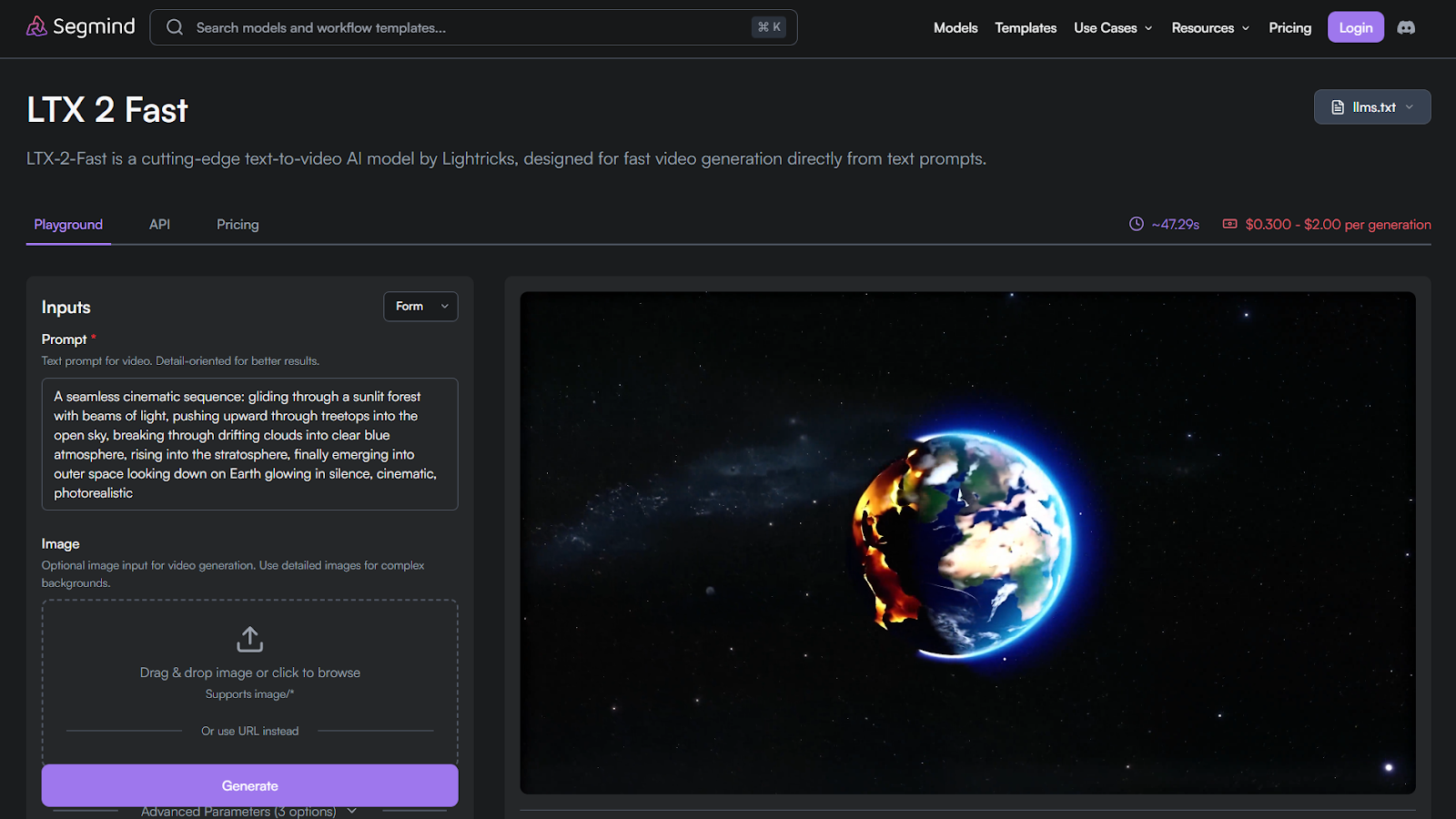
LTX 2 Fast is a speed-focused Image-to-AI video model used for rapid previews and early creative validation.
Features
- Fast text-to-video generation with optional image input
- Short, stable motion for quick visual drafts
- Flexible clip length for fast experimentation
Benefits
- Enables rapid iteration without high cost
- Helps validate motion direction early
- Fits lightweight and automated workflows
Use cases
- Concept previews and storyboard motion
- Social and marketing ideation
- Early-stage creative prototyping
Average Time/Generation on Segmind: ~47.30s | Pricing/Generation on Segmind: $0.300–$2.00 per generation
2. LTX 2 Pro
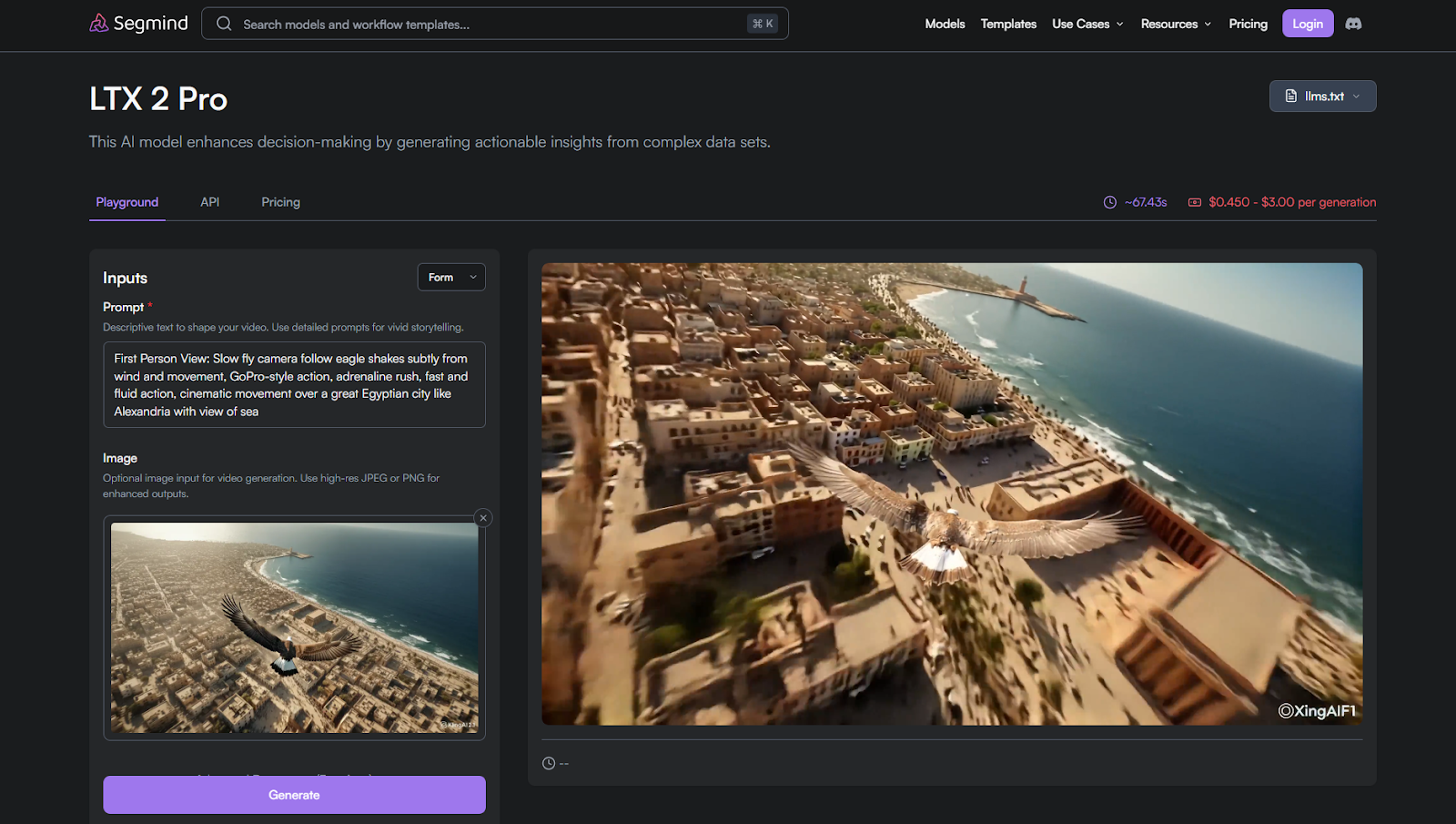
LTX 2 Pro improves on the Fast version by offering stronger motion stability and cleaner frame transitions. It is designed for projects that need higher consistency without the cost or latency of cinematic-grade models.
Features
- Enhanced motion control across frames
- More stable subject positioning and transitions
- Supports higher visual consistency than Fast
Benefits
- Reduces jitter in repeated generations
- Produces cleaner short-to-mid motion clips
- Balances speed with improved reliability
Use cases
- Refined concept previews
- Marketing drafts needing steadier motion
- Pre-production visual testing
Average Time/Generation on Segmind: 67.08s | Pricing/Generation on Segmind: $0.450–$3.00 per generation
3. Hailuo 2.3 Fast
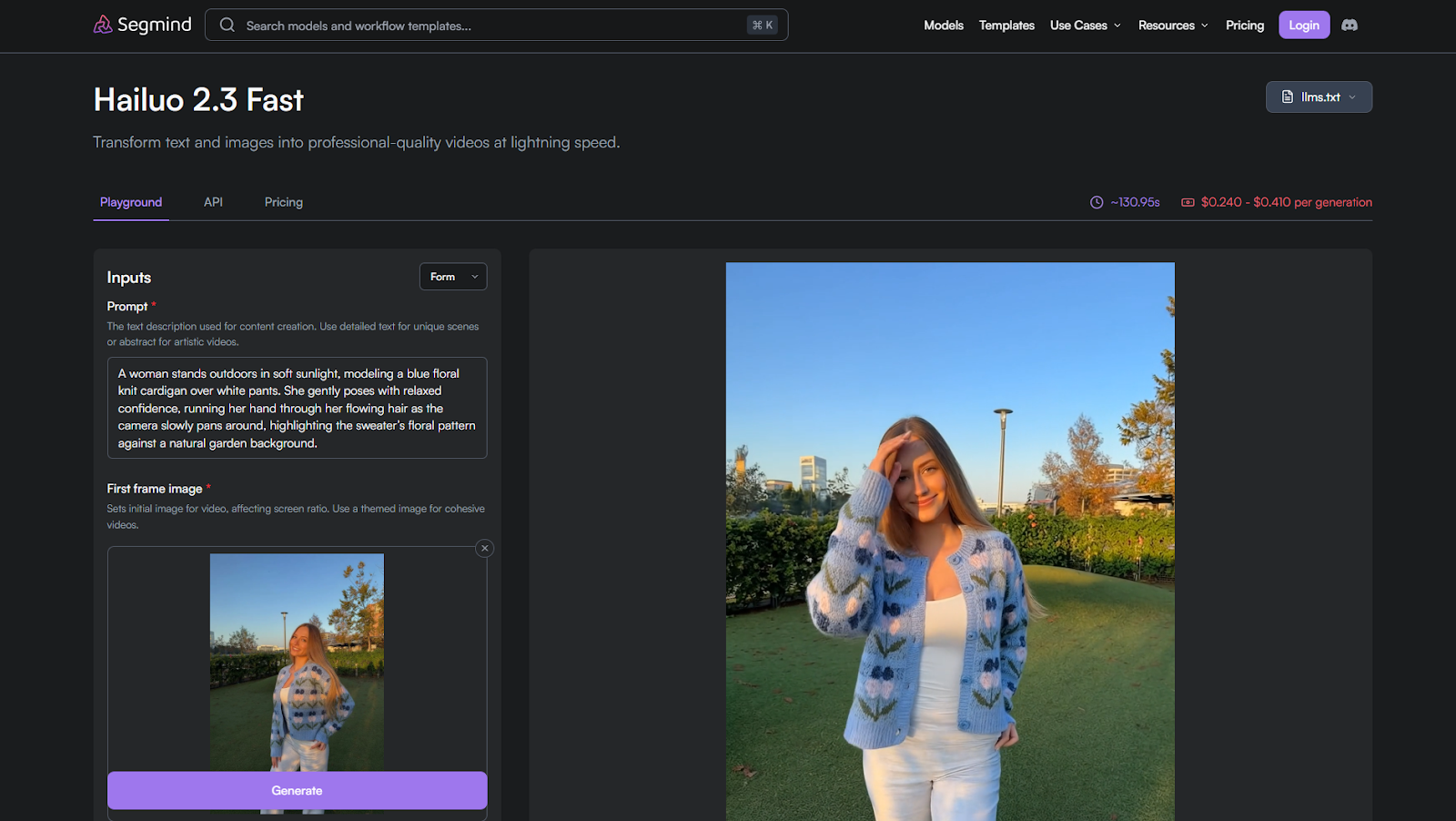
Hailuo 2.3 Fast focuses on affordable Image-to-AI video generation with acceptable motion quality for lightweight creative needs. It prioritizes cost efficiency and accessibility over extended temporal polish.
Features
- Fast image-to-video generation at lower cost
- Basic motion inference for simple scenes
- Supports short clips suitable for previews
Benefits
- Budget-friendly for frequent experimentation
- Useful for quick visual motion checks
- Low barrier to entry for creators
Use cases
- Social media drafts
- Early visual exploration
- Lightweight creator workflows
Average Time/Generation on Segmind: ~136.55s | Pricing/Generation on Segmind: $0.240–$0.410 per generation
4. Seedance 1.0 Pro Fast
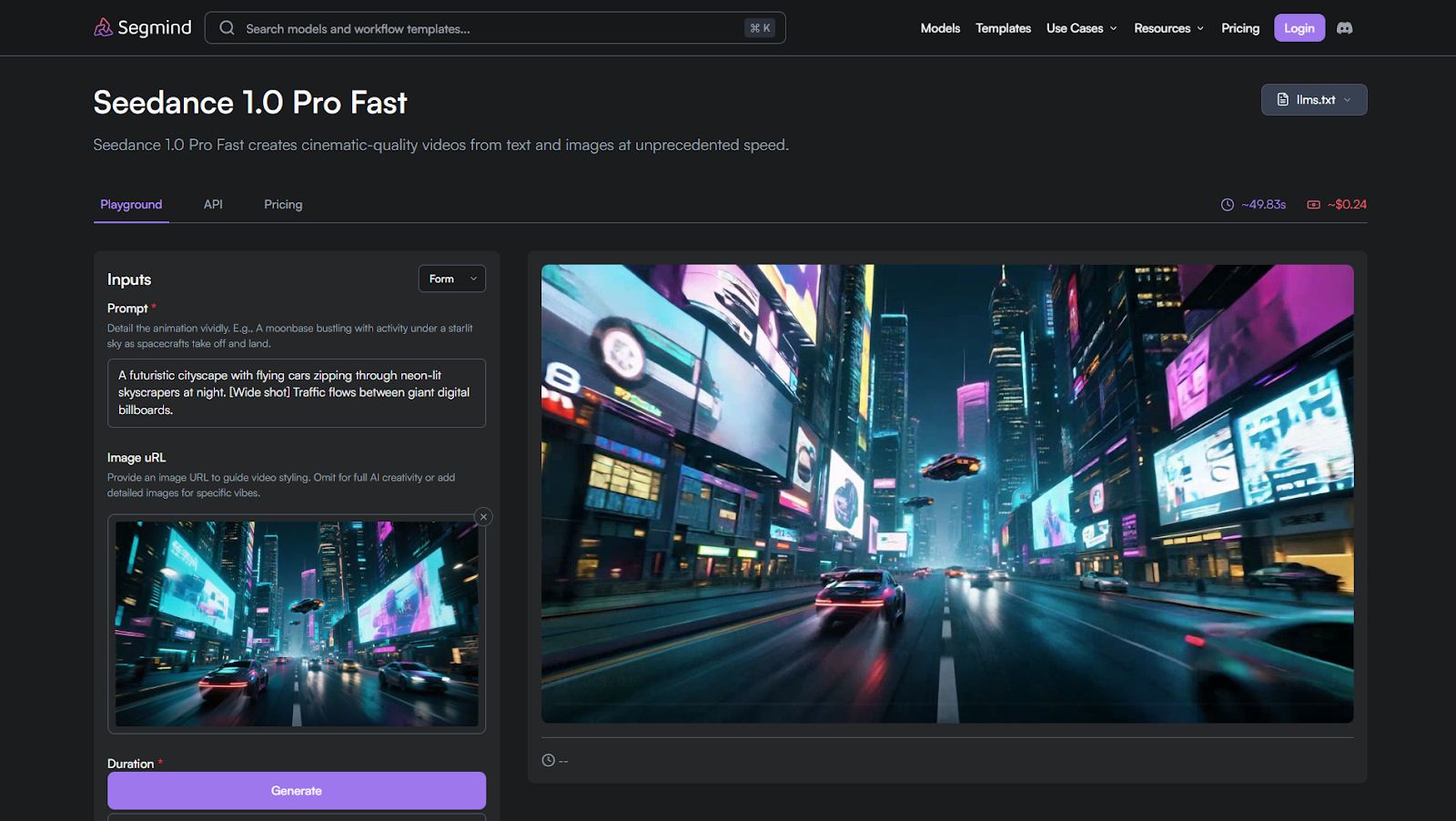
Seedance 1.0 Pro Fast is built for cinematic previsualization where motion control and framing accuracy matter more than raw speed.
Features
- Strong temporal consistency across frames
- Cinematic camera movement control
- Reliable subject and scene continuity
Benefits
- Produces storyboard-ready motion
- Reduces framing drift across shots
- Ideal for planned visual sequences
Use cases
- Previsualization and storyboards
- Shot planning for films and ads
- Structured cinematic concepts
Average Time/Generation on Segmind: ~50.77s | Pricing/Generation on Segmind: ~$0.211 per generation
5. Veo 3.1 Fast
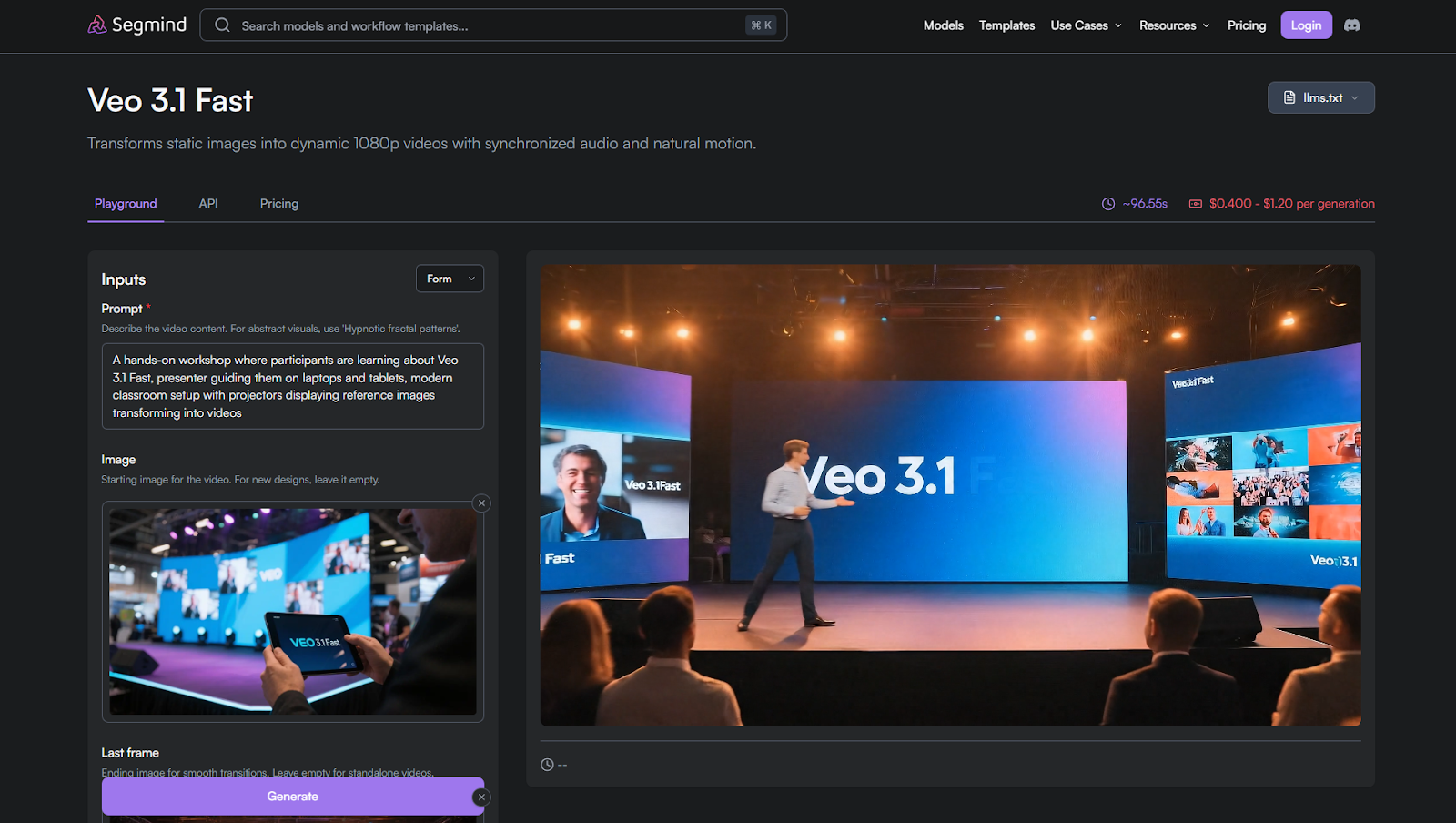
Veo 3.1 Fast focuses on clean visuals and smooth motion for polished short-form output.
Features
- High visual clarity with smooth transitions
- Stable motion for branded content
- Minimal setup for quick production
Benefits
- Delivers ready-to-use short clips
- Reduces post-processing needs
- Balances quality with speed
Use cases
- Marketing and branded visuals
- Social media and promos
- Visual storytelling content
Average Time/Generation on Segmind: ~97.44s | Pricing/Generation on Segmind: $0.400–$1.20 per generation
Create Cinematic AI Videos with Kling 2.5 Turbo
6. InfiniteTalk
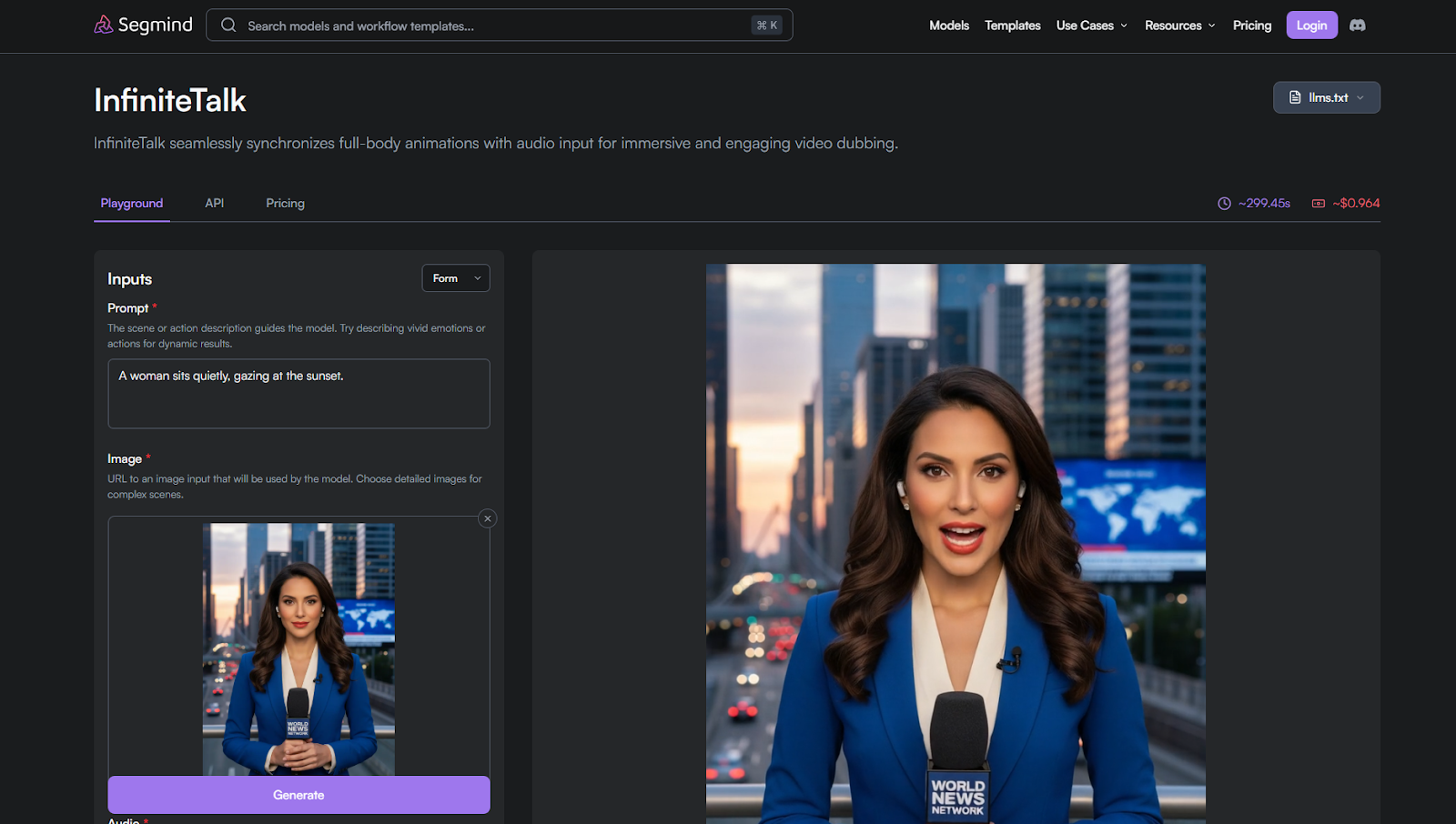
InfiniteTalk is built for dialogue-led Image-to-AI video where speech timing controls motion and facial behavior.
Features
- Audio-guided motion generation
- Lip sync and facial timing alignment
- Supports character-focused scenes
Benefits
- Improves dialogue realism
- Keeps speech and visuals synchronized
- Reduces manual lip sync work
Use cases
- Talking characters
- Dialogue-heavy scenes
- Educational or explainer videos
Average Time/Generation on Segmind: ~252.00s | Pricing/Generation on Segmind: ~$0.839 per generation
7. Pixverse 5 Extend
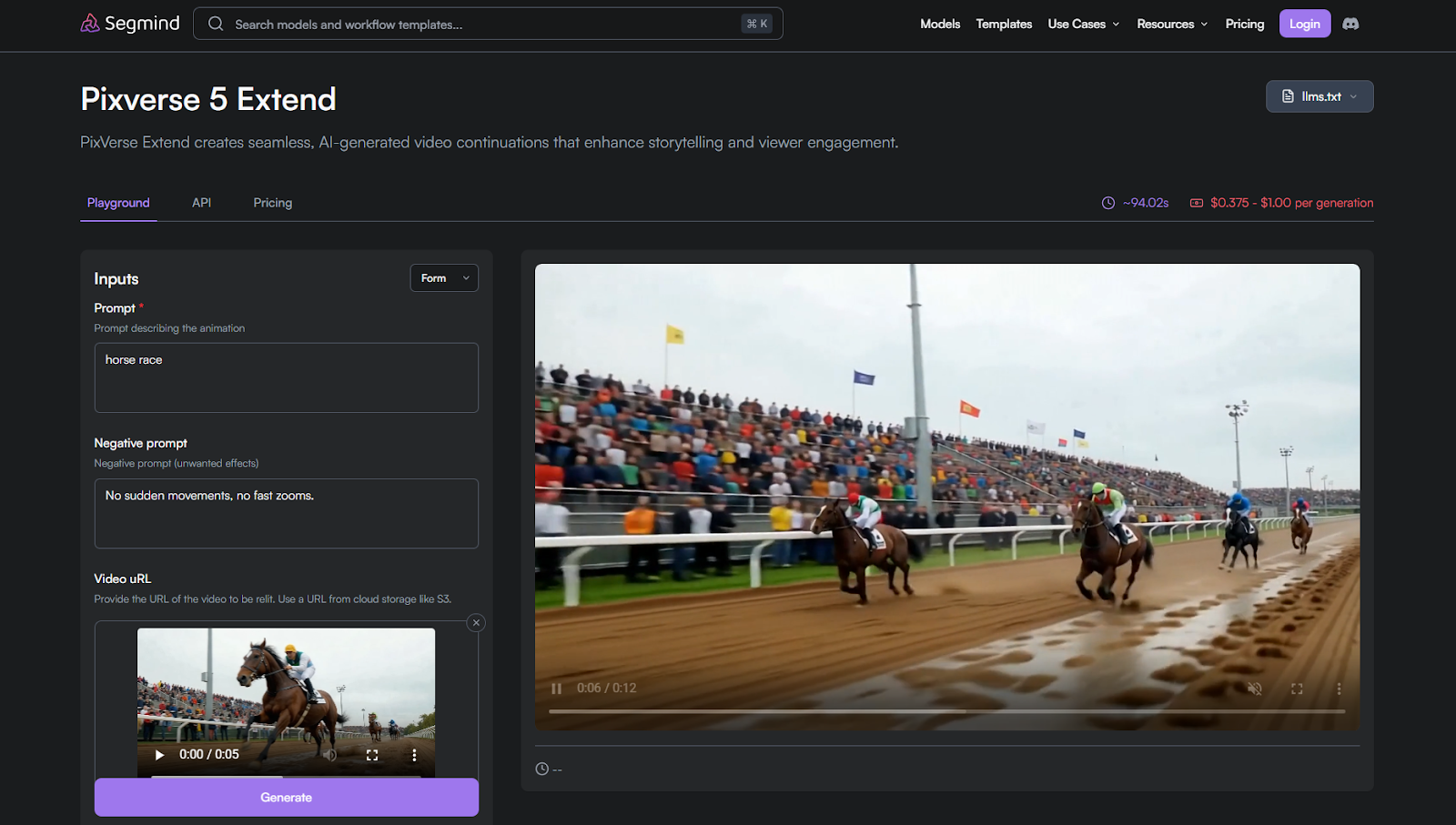
Pixverse 5 Extend focuses on maintaining motion continuity across longer frame ranges.
Features
- Extended temporal consistency
- Stable looping and longer sequences
- Controlled visual flow across frames
Benefits
- Reduces motion breaks in longer clips
- Enables smoother looping visuals
- Supports extended storytelling
Use cases
- Looping animations
- Extended motion scenes
- Ambient or background visuals
Average Time/Generation on Segmind: ~98.45s | Pricing/Generation on Segmind: $0.375–$1.00 per generation
8. Sora 2 Pro
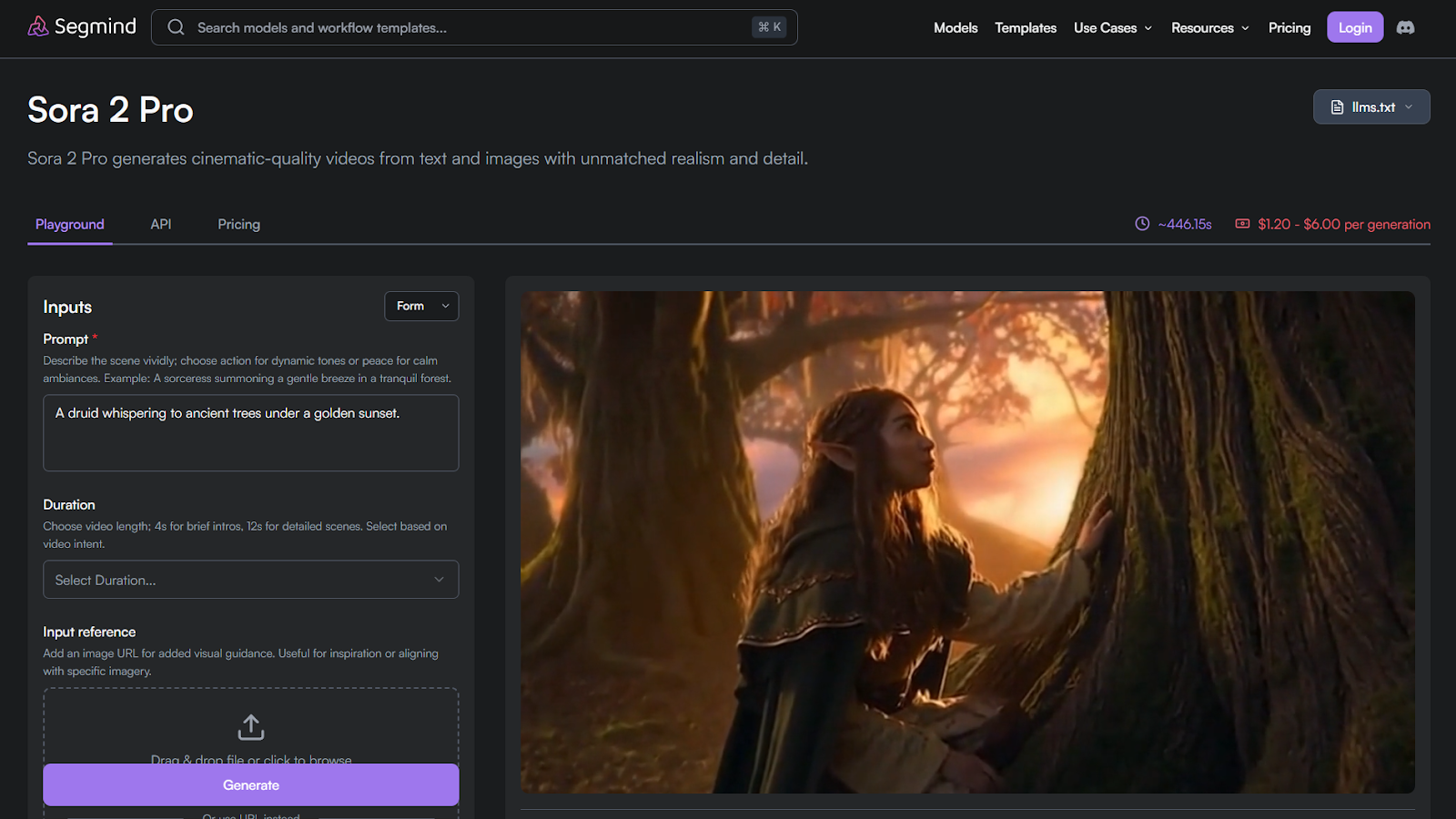
Sora 2 Pro targets high-fidelity video generation with complex motion and higher resolution output.
Features
- Advanced motion modeling
- High-resolution cinematic output
- Handles complex scene dynamics
Benefits
- Produces premium visual quality
- Supports ambitious creative sequences
- Strong realism and depth
Use cases
- Cinematic storytelling
- High-end visual projects
- Complex narrative scenes
Average Time/Generation on Segmind: ~446.62s | Pricing/Generation on Segmind: $1.20–$6.00 per generation
9. Wan 2.5
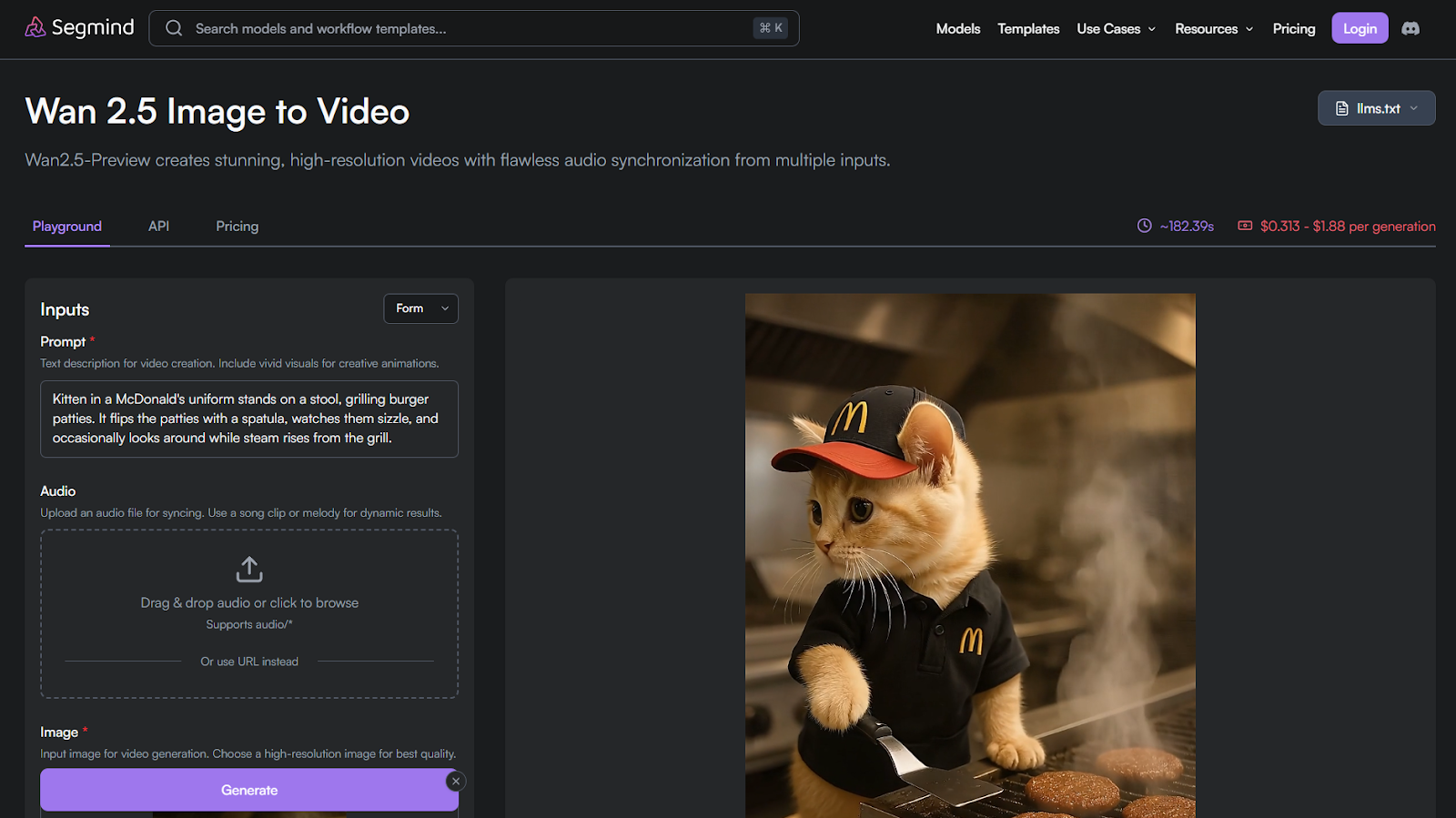
Wan 2.5 offers a balanced Image-to-AI video workflow where consistency and predictability matter more than peak realism.
Features
- Controlled motion generation
- Stable output across retries
- Supports structured video workflows
Benefits
- Reliable results for repeated runs
- Easier integration into pipelines
- Balanced speed and quality
Use cases
- Developer testing pipelines
- Consistent visual experiments
- Mid-range creative workflows
Average Time/Generation on Segmind: ~185.74s | Pricing/Generation on Segmind: $0.313–$1.88 per generation
10. Kling 2.5 Turbo
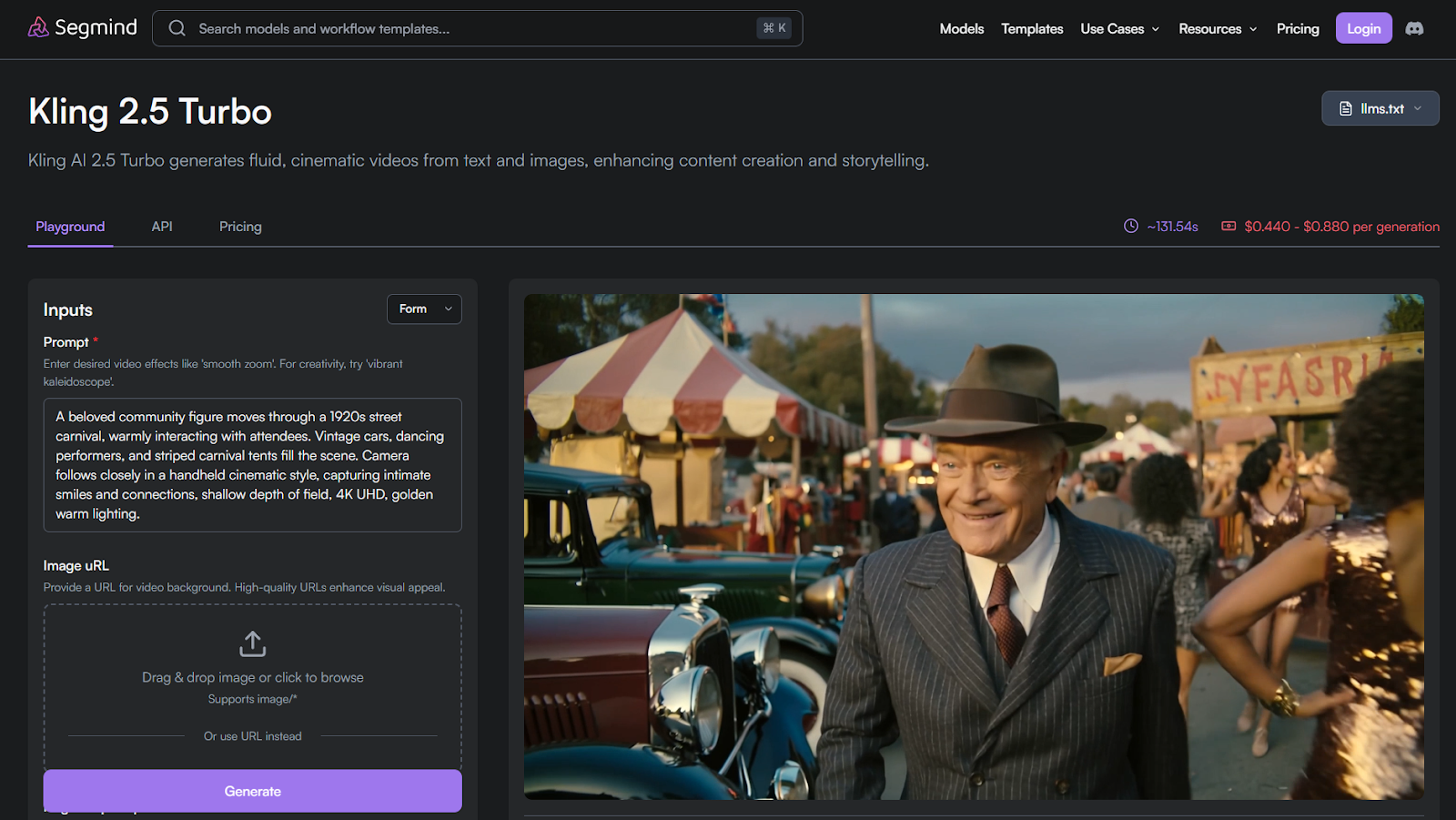
Kling 2.5 Turbo is optimized for rapid iteration and high responsiveness.
Features
- Fast turnaround times
- Supports frequent variation testing
- Lightweight motion inference
Benefits
- Ideal for quick retries
- Keeps creative flow uninterrupted
- Cost-efficient for rapid cycles
Use cases
- Social content creation
- Trend-based video experiments
- Fast-paced creative testing
Average Time/Generation on Segmind: ~143.11s | Pricing/Generation on Segmind: $0.440–$0.880 per generation
Also Read: Sora 2 Arrives on Segmind: Bringing AI Video Generation to India
Where Each Image-to-AI Video Generation Model Fits Best
No Image-to-AI video generation model fits every workflow. Each tool is built around different trade-offs between speed, motion control, and output depth. This section maps models to real usage patterns so you can narrow choices before testing.
You typically see Image-to-AI video generation models fall into these workflow groups:
Also Read: Runway AI: A New Way To Storytelling And AI Filmmaking
Using Image-to-AI Video Generation Models Inside Segmind Workflows
Segmind works as a media automation layer that sits above individual Image-to-AI video generation models. Instead of running models in isolation, you connect steps into repeatable workflows using PixelFlow.
A typical Segmind workflow combines multiple stages:
- Image preparation using image-to-image or enhancement models
- Image-to-AI video generation for motion creation
- Post-processing for upscale, stabilization, or style refinement
With PixelFlow, you chain models sequentially or in parallel based on your needs. You can publish workflows for team use or trigger them through Segmind’s Serverless API. This approach reduces manual retries and keeps outputs consistent across projects, especially when you rely on multiple Image-to-AI video generation models in the same pipeline.
Conclusion
Image-to-AI video generation models differ widely in motion behavior, output consistency, and workflow fit. Structured comparison matters more than feature lists or claims. When you evaluate models based on real usage patterns, selection becomes faster and more reliable.
Segmind simplifies this process by letting you test, chain, and deploy multiple Image-to-AI video generation models in one place. That structure keeps experimentation focused and production workflows predictable.
Try The Latest AI Tools For Free On Segmind
FAQs
Q: How do you reduce rework when multiple Image-to-AI video generations fail during iteration?
A: You reduce rework by locking one reference image and varying motion prompts incrementally. Batch testing helps isolate motion issues without regenerating visuals each time.
Q: Can Image-to-AI video generation models be used reliably in automated pipelines?
A: Yes, if you standardize inputs and enforce output checks. Automation works best when retries and validation steps are built into the workflow.
Q: What causes sudden visual glitches even when the source image is clean?
A: Glitches often come from ambiguous depth cues or overlapping elements. Models struggle when object boundaries are unclear or visually crowded.
Q: How do teams manage cost control during large Image-to-AI video experiments?
A: Teams cap generation length and batch runs by priority. Tracking failed outputs helps avoid repeating unproductive configurations.
Q: When should you regenerate the source image instead of retrying video generation?
A: You regenerate the image when structure or perspective feels unstable. Fixing image quality upstream improves motion outcomes downstream.
Q: How can Image-to-AI video outputs stay consistent across multiple creators?
A: Consistency improves when teams reuse templates and shared presets. Locked parameters reduce variation caused by individual prompt styles.